
Offline playback
Offline digital signage that keeps playing when the network does not
Every CompleteVantage screen stores its content and its instructions locally. If the Wi-Fi drops, the internet goes down or the server is unreachable, the screen carries on with the right content at the right time.
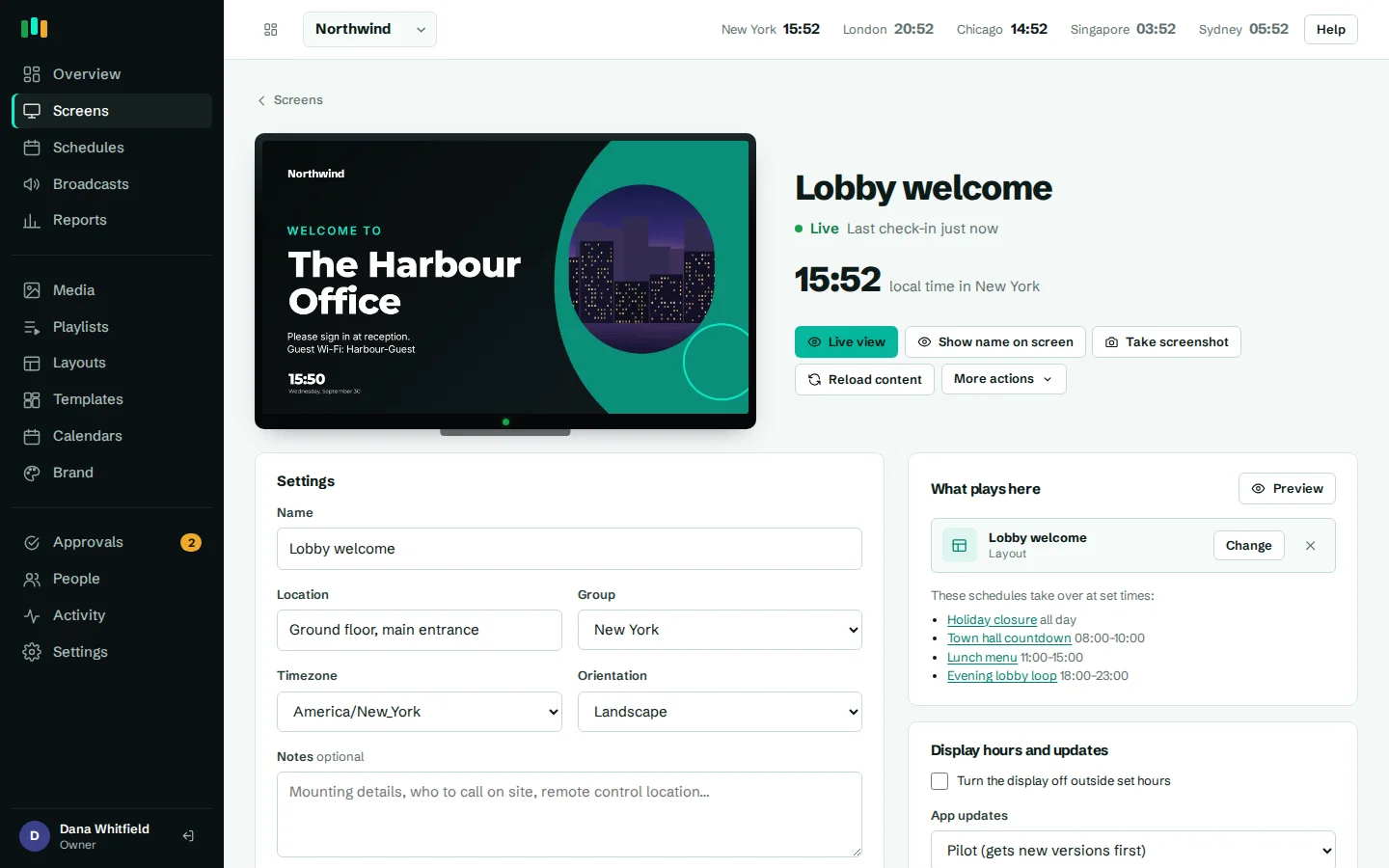
All media stored on the screen
Images, video, slides and fonts are cached on the device and played from there.
Starts up without a server
An Android screen that reboots during an outage starts and plays from its cache.
Schedules run on the screen
Schedules and content dates are decided by the player in its own time zone, not by the server.
Plays counted offline
Plays are kept on the device and uploaded when the connection returns.
Why offline digital signage matters
Screens live in the places networks are weakest: a warehouse, a hotel corridor, a shop window on guest Wi-Fi, a factory floor. A player that needs a live connection turns into a black screen or an error page the moment the network hiccups, and someone has to go and fix it.
CompleteVantage is built the other way round. The server tells each screen what to play and when, and the screen keeps a full copy. From then on it needs the network only to hear about changes.
Android players: a native cache for everything
On Android TV, Google TV and other Android boxes, the CompleteVantage app keeps a native cache of the player itself and every media file a screen needs. When the player asks for a file, the app serves it straight from local storage.
That includes a cold start. If power is cut and the box reboots while the server or the internet is still down, the app starts, loads the player from its cache and goes back to playing. We test this by stopping the server and restarting the box.
The cache is careful about what it stores. It rejects captive portal pages and redirects, so a hotel Wi-Fi login page never gets saved in place of your video, and it writes files completely before using them. It also keeps free space on the box, so a large video library cannot fill the storage. When the network comes back, the player reloads and picks up any changes.
- Player and all media served from the device
- Starts and plays with the server unreachable
- Ignores captive portal pages and redirects
- Keeps free space on the box
Browser players: a service worker
You can also run CompleteVantage in a web browser, for example on a mini PC or a smart display with a built-in browser. There, a service worker caches the player and media so it keeps playing through outages in the same way.
One condition: browsers only allow service workers on HTTPS pages. Hosted CompleteVantage runs on HTTPS, so this is covered. A browser player opened on a plain HTTP address on a local network gets no offline cache. The Android app is not affected by this. See hardware for the players we recommend.
Schedules and content dates run on the player
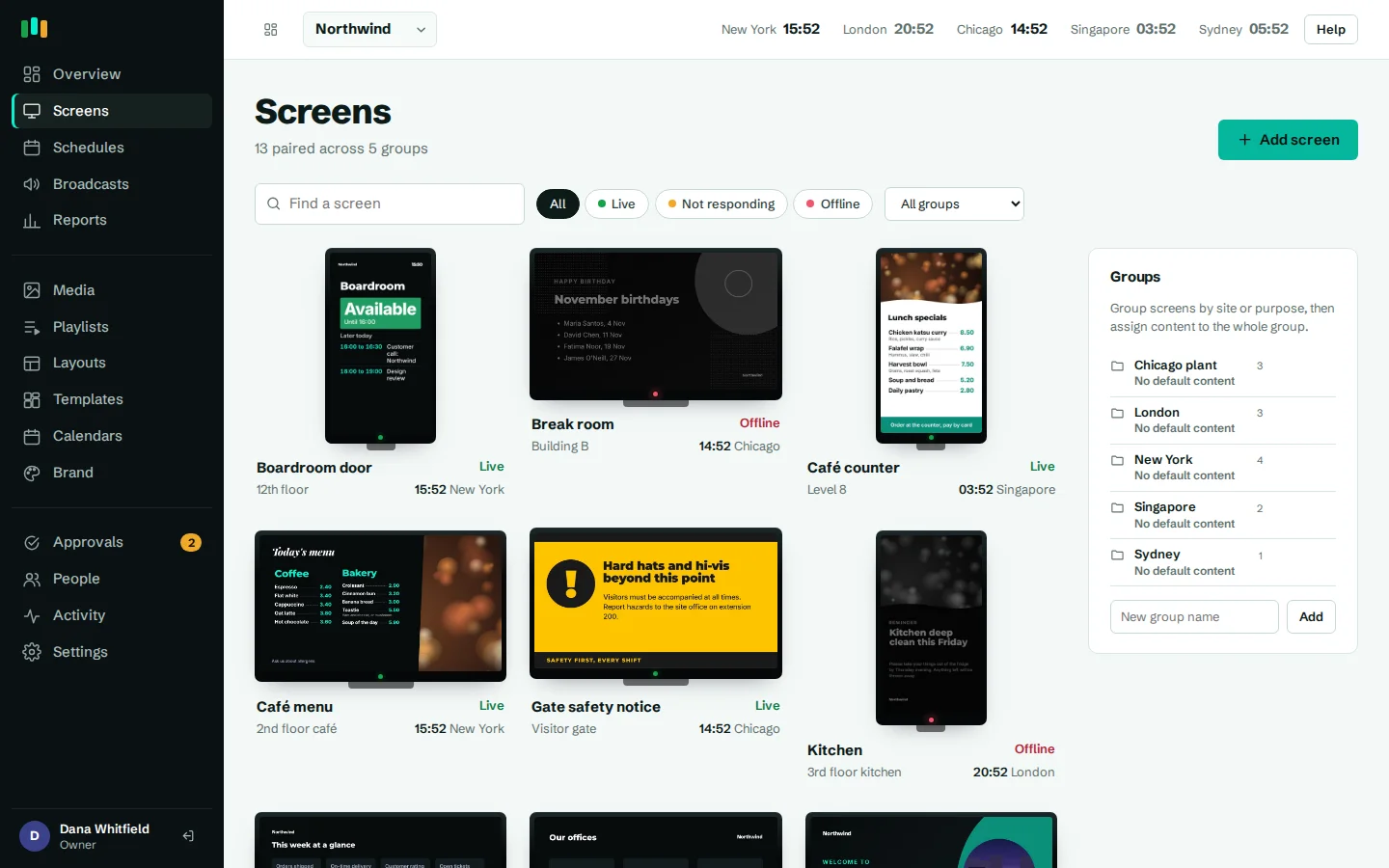
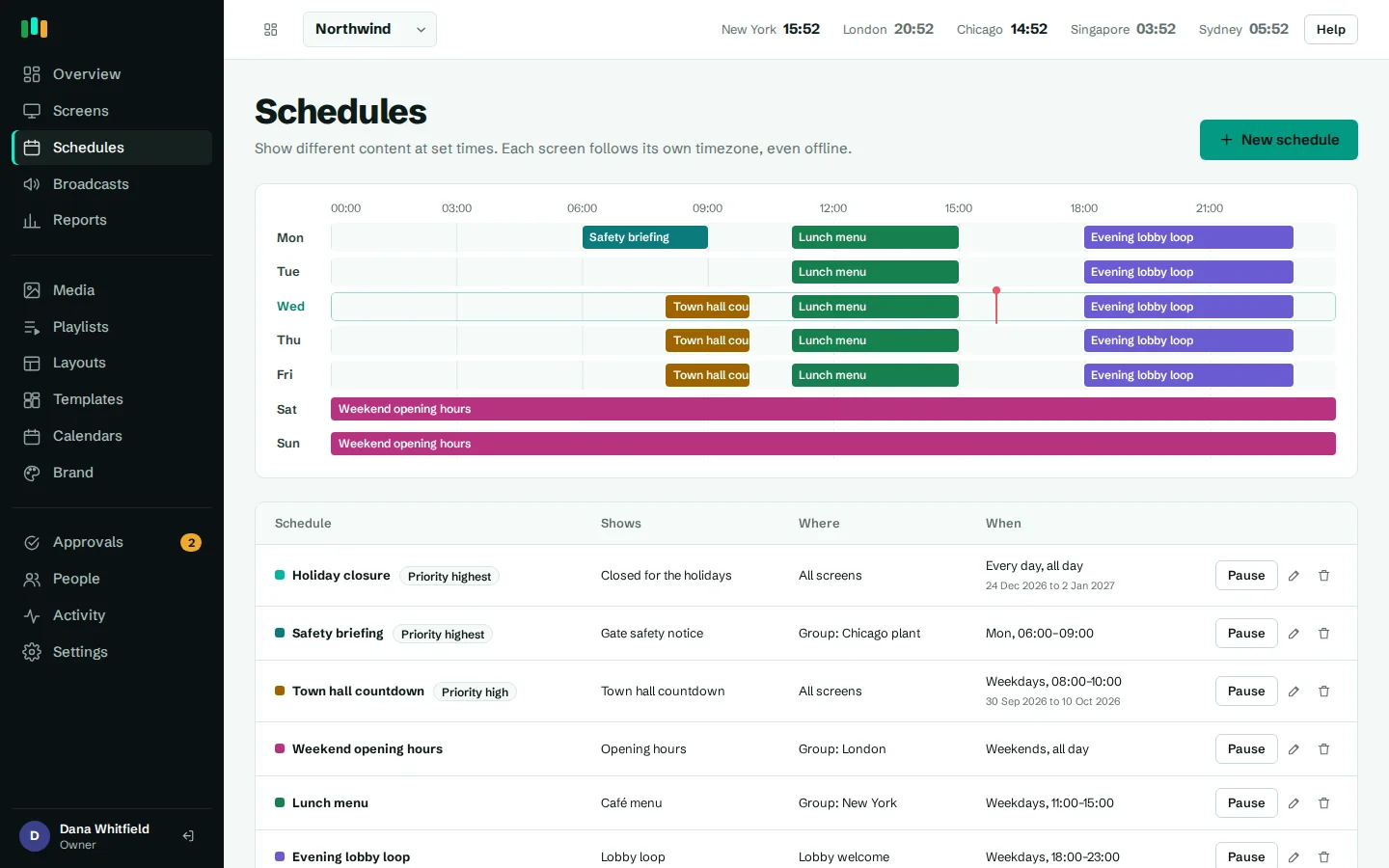
Each screen downloads a complete set of instructions: its default content, group content, schedules, broadcasts, display hours and the list of files. The player decides what to show on its own, in the screen's time zone.
So when the network is down:
- The breakfast menu still changes to the lunch menu at 11:30 local time.
- A promotion with "show until Sunday" still disappears at the end of Sunday.
- A notice with "show from Monday" still appears on Monday.
- Display hours still turn the screen off at night and back on in the morning.
The player also keeps its own sense of the correct time from the server, so a box with a wrong clock does not throw schedules off.
Plays stored offline and reported later
Proof of play does not have gaps just because the network did. The player keeps a record of every play on the device while offline and uploads them once it reconnects. Each play has its own key, so nothing is counted twice if an upload is retried. See proof of play reports.
What still needs the internet
Some content is live by nature and cannot be stored ahead of time. Plan for these on screens with unreliable connections:
- Weather: fetched by the screen. It shows the last result it received until it can refresh.
- YouTube videos and live streams: played from YouTube or the stream source, so they need a connection.
- Live web pages and dashboards: a sales dashboard or status page is loaded live and needs the network to show current data.
- Calendars and news tickers: refreshed from the server. Screens keep showing the last events or headlines they received.
Everything else, including images, videos you upload, PowerPoint and PDF slides, layouts, text, clocks and QR codes, plays without a connection.
- Weather shows its last result offline
- YouTube, streams and live dashboards need internet
- Uploaded media, slides and layouts play offline
Questions people ask
How long can a screen play offline?
There is no set limit. A screen keeps playing its cached content and following its schedules until it reconnects. Content with an end date stops on time even while offline.
What happens if the box reboots during an outage?
On Android, the app starts from its cache and resumes playing without contacting the server.
When do changes reach a screen that was offline?
As soon as it reconnects. Screens check in every 30 seconds and download new content when something has changed.
Does offline playback work in a web browser?
Yes, on HTTPS. A service worker caches the player and media. Browsers do not allow this on plain HTTP addresses.
Will I know if a screen went offline?
Yes. Monitoring and alerts can notify you by email, Teams, Slack or webhook when a screen stops checking in, and again when it is back.
Related features
- SchedulingPlan what plays by day, time and place, and let each screen follow its own local clock.
- Proof of playSee what played, where and for how long, and export every play to CSV when someone asks.
- Monitoring and alertsKnow which screens are live, see what they show right now, and get told when one goes dark.
- Screens and devicesPair a TV with a six-character code, see every screen live and fix problems without a site visit.
Put your first screen on in ten minutes
Try every feature free for 14 days. No card required. Pair a TV with a six-character code, pick a template, and it's live.