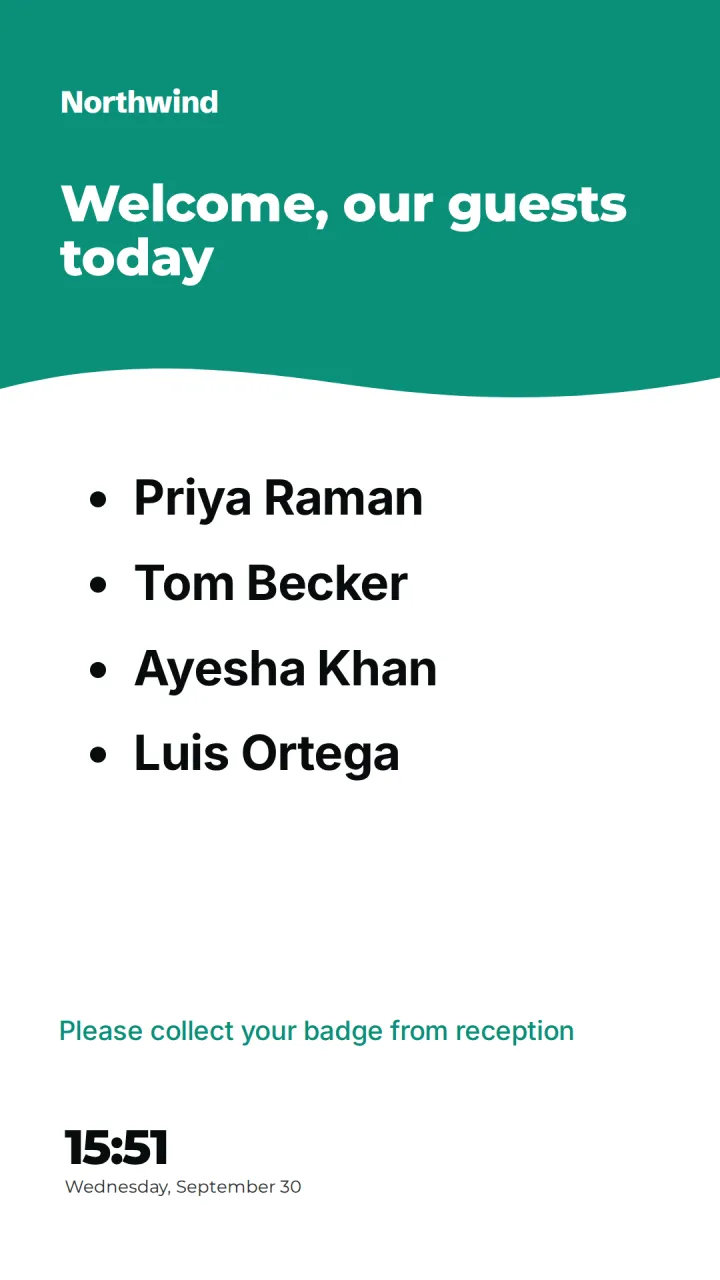
Offices
Lobby welcomes, room signs, KPI walls and company news across every office, in each local time.
Screens in: reception, meeting room doors, kitchen and break areas, sales and support floors

The same CompleteVantage runs a hotel lobby, a hospital waiting room and a factory floor. What changes is what goes on the screens, who looks after them and when things switch. Pick the one closest to you.
Lobby welcomes, room signs, KPI walls and company news across every office, in each local time.
Screens in: reception, meeting room doors, kitchen and break areas, sales and support floors
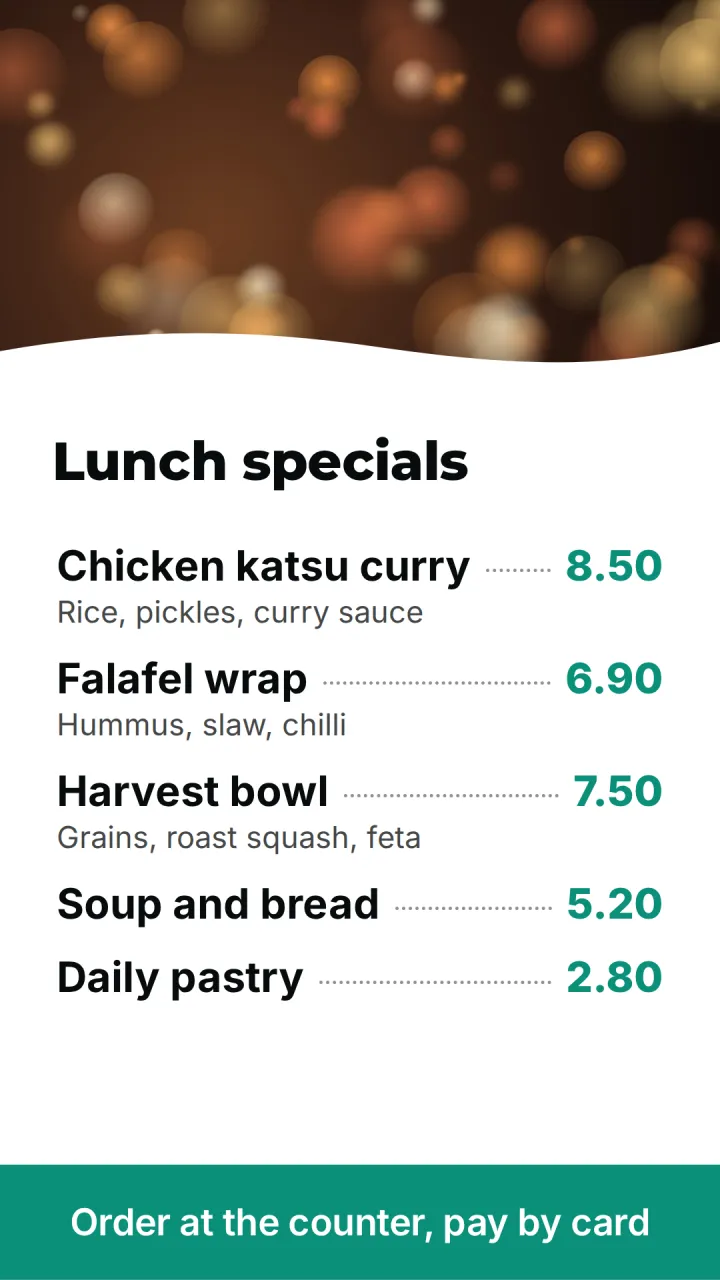
Promotions that start and stop on time, price boards, window screens and per-store schedules.
Screens in: shop window, entrance, service counter, till queue
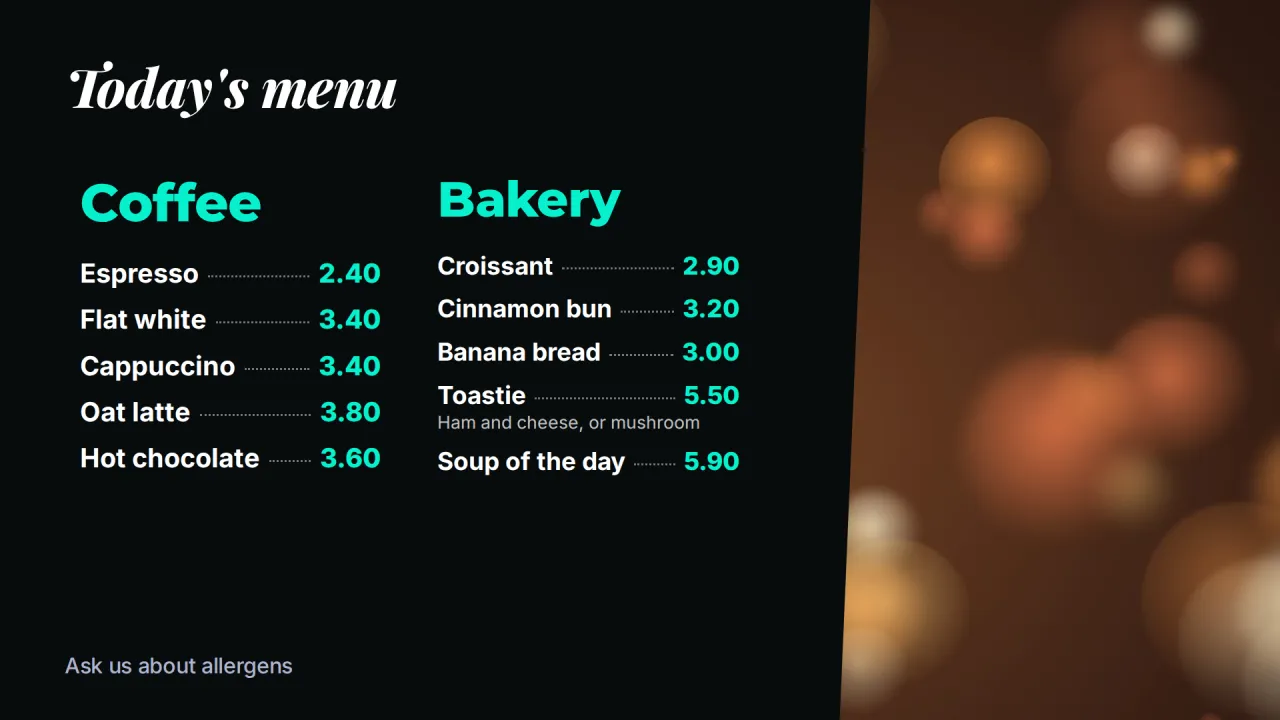
Digital menu boards that switch from breakfast to lunch to dinner on their own, in any location.
Screens in: over the counter, beside the till, front window, bar
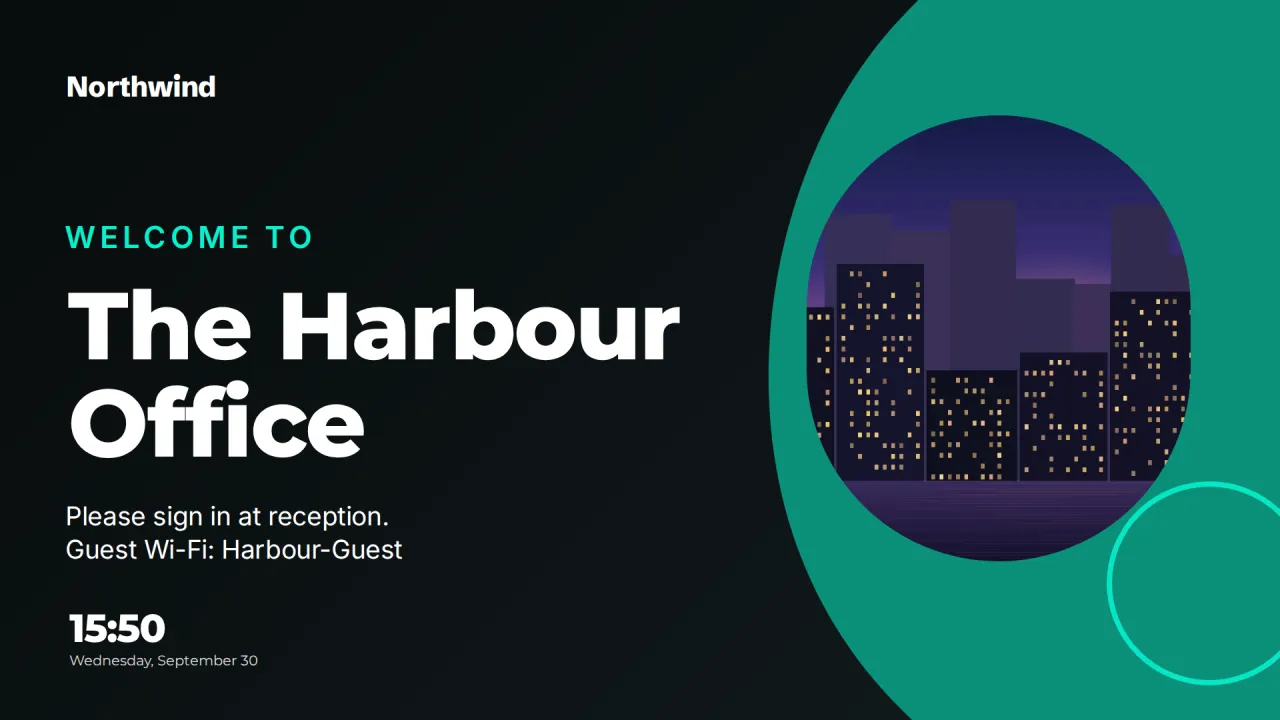
Lobby welcomes, event agendas, room signs and wayfinding for hotels and conference venues.
Screens in: lobby, function room doors, lift lobbies, conference foyer
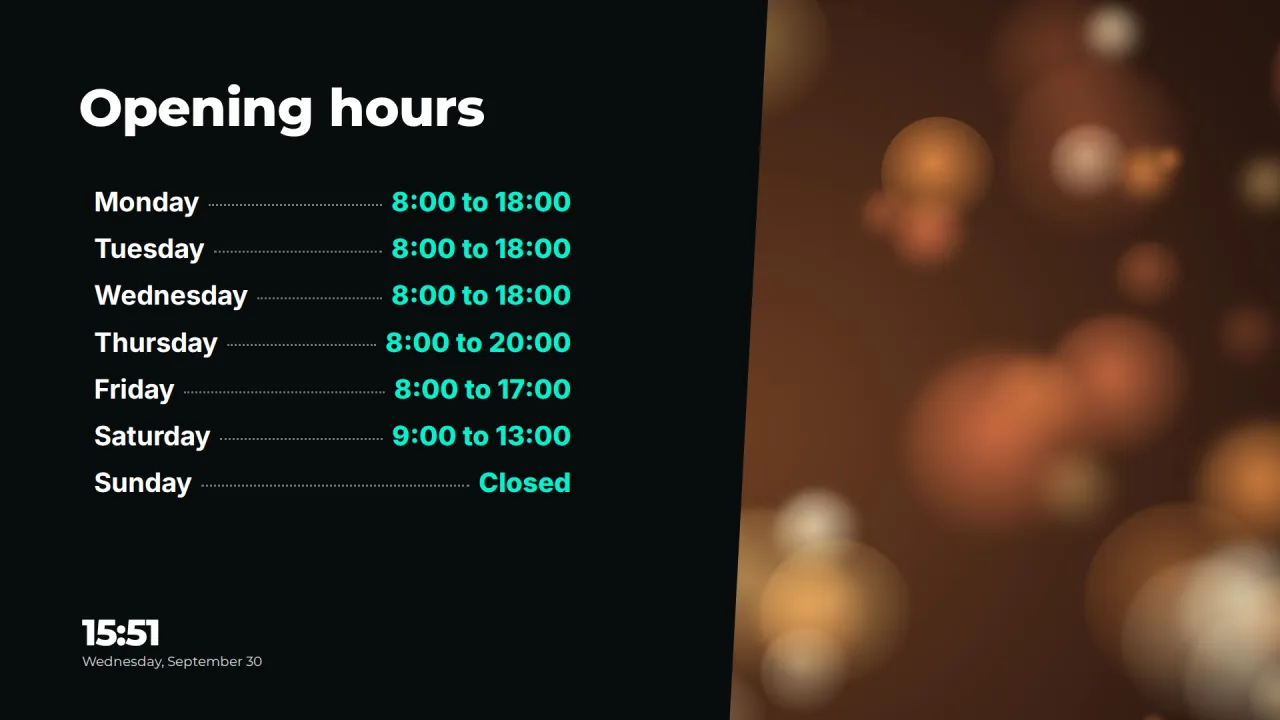
Waiting room information, staff notices, wayfinding and urgent messages for clinics and hospitals.
Screens in: waiting rooms, main entrance, staff rooms, nursing stations
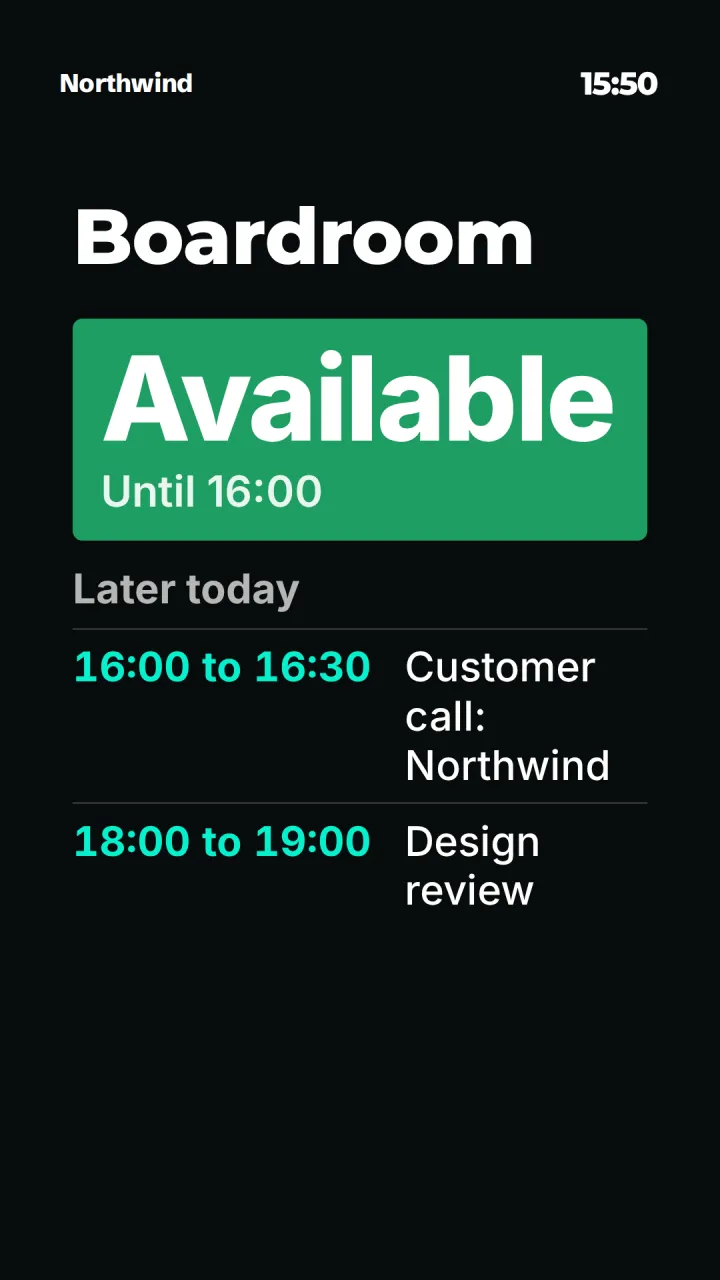
Announcements, events, room signs and emergency messages for schools, colleges and university campuses.
Screens in: main entrances, lecture theaters and seminar rooms, student center, library
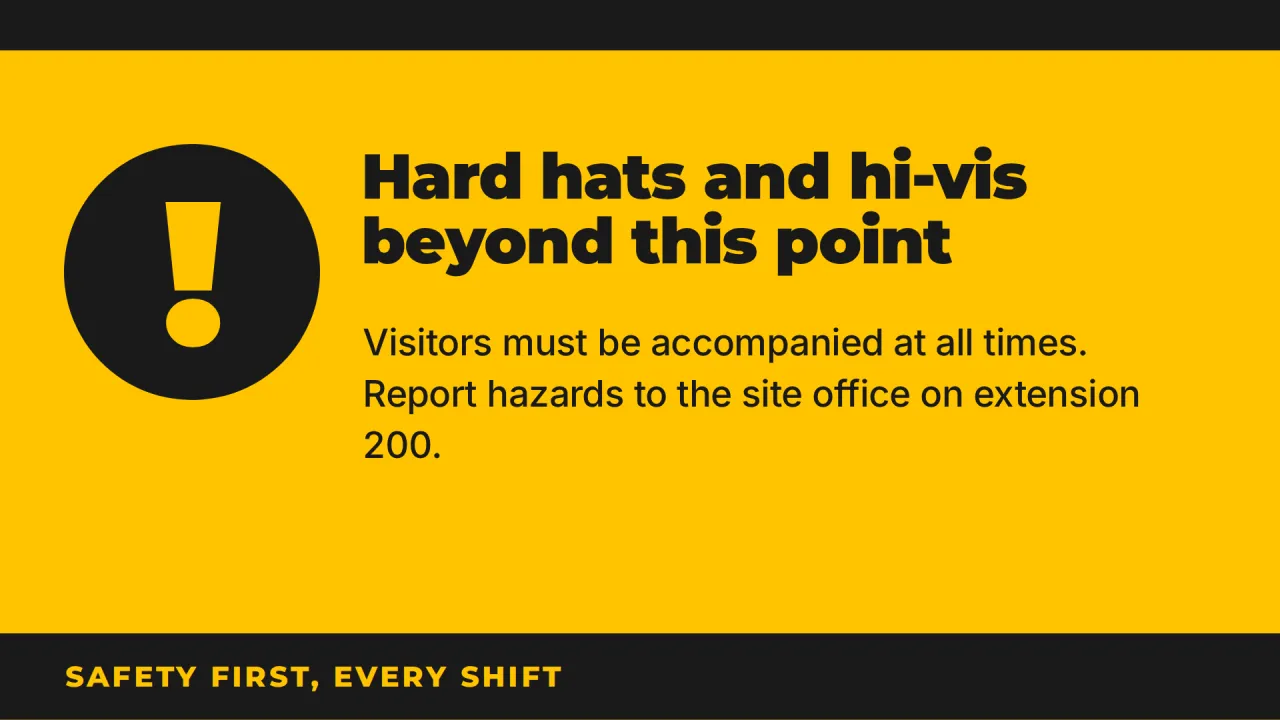
Safety notices, production dashboards, shift information and urgent alerts on the plant floor.
Screens in: production lines, plant entrances, break rooms and canteens, exits and corridors
Whatever the setting, the same few things decide whether a screen network works. Screens have to keep playing when the network is unreliable, which is why CompleteVantage caches everything on the device and runs schedules there. Content has to change at the right local time in every location, so each screen follows its own time zone. Someone has to know when a screen goes dark, so alerts go to email, Teams, Slack or a webhook. And the people who change content need the right permissions, with an approval step if you want one.
Read about offline playback, scheduling, monitoring and roles and approvals, or see pricing.
Try every feature free for 14 days. No card required. Pair a TV with a six-character code, pick a template, and it's live.