
Hardware
Digital signage player hardware you can buy today
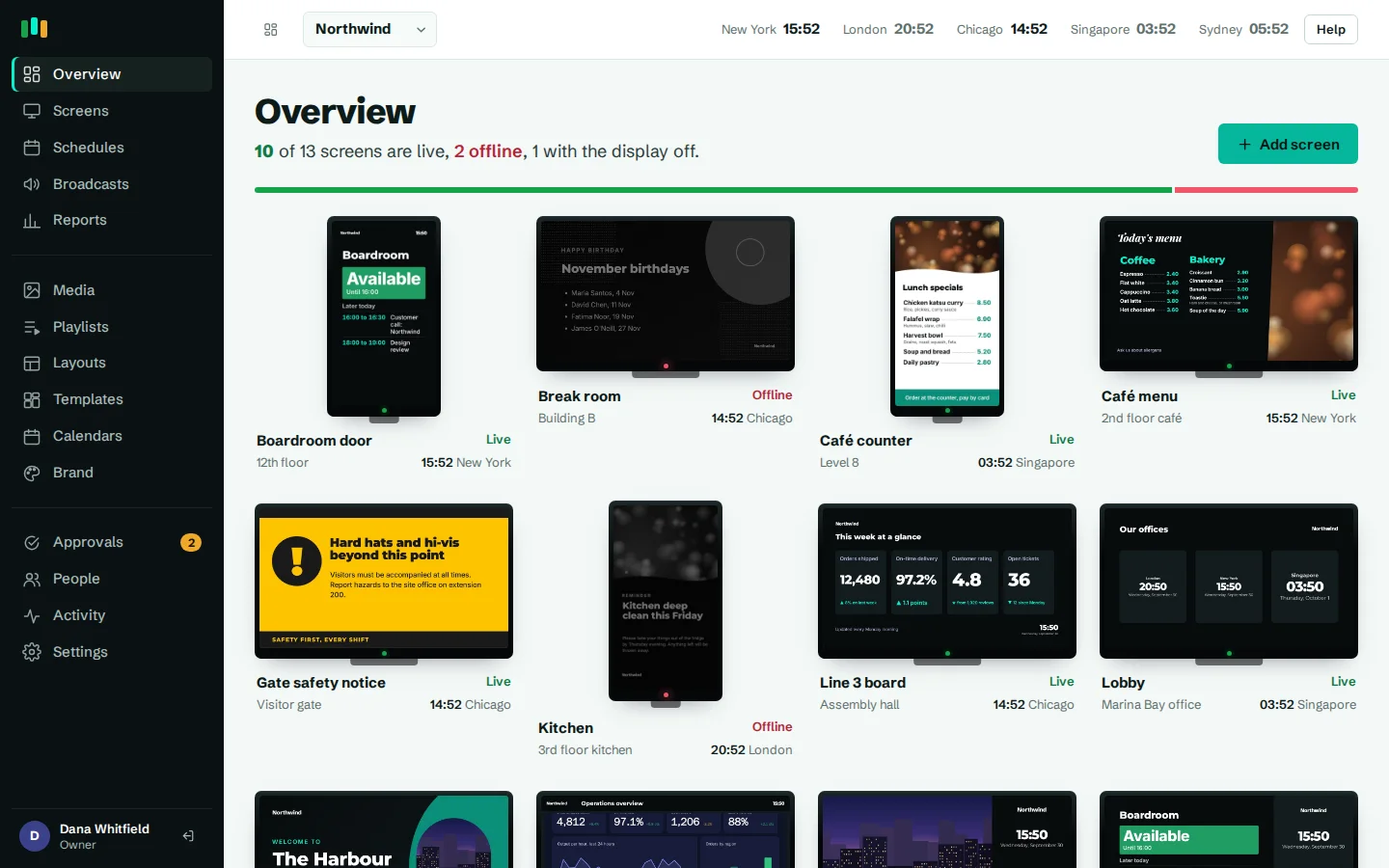
CompleteVantage runs on Android TV and Google TV boxes, Amazon Fire TV devices, most Android boxes and any modern web browser. Here is what works, what to look for, and how a new screen gets connected.
No proprietary player
Use Android boxes you can buy off the shelf, or a browser on a mini PC. Mix them in one account.
Old boxes welcome
The Android app supports Android 5.1 and later, so many boxes already behind your screens will run it.
Paired in a minute
Install the app, read the six-character code off the TV, type it into the admin. No cables to a laptop.
Keeps playing offline
Android players cache the player and every file locally, so a dropped connection does not blank the screen.
Supported digital signage players
CompleteVantage uses a small native Android app wrapped around a web player. The same player runs in a browser, so you can choose hardware by budget and location rather than by vendor.
- Android TV and Google TV boxes. The main target. The app starts on boot, restarts itself after a crash, caches content for offline play and can turn the display off and on.
- Amazon Fire TV devices. Fire OS is based on Android, so the same app installs by sideloading it onto the device.
- Any Android box running Android 5.1 or later. Generic boxes and Android-based commercial displays work with the same app.
- Web browser players. Open the player page in any modern browser, full screen or in kiosk mode. A small PC behind the screen works well, and so can a TV's built-in browser if it uses a modern engine.
Browser players cache content for offline use only when the server is reached over HTTPS, which is how the hosted service runs. On a plain http address, a browser player needs a live connection.
What to look for in a signage player
Any box that runs the app will play content. These points decide whether it keeps doing so unattended for years.
- Android version. Newer is better for web dashboards and video codecs. Android 9 or later is a sensible floor for new purchases.
- Memory. 2 GB of RAM or more. Layouts with video, a web dashboard and a ticker in one screen need the headroom.
- Resolution. 1080p is enough for most signage. Buy a 4K-capable box only if the display and the content are 4K.
- Wired Ethernet. A cable is more reliable than Wi-Fi behind a metal-backed display or in a busy building.
- HDMI-CEC. Lets the box turn the TV off outside display hours and wake it again. CEC has to be switched on in both the TV and the box settings.
- Device admin support. Needed for kiosk mode, silent updates, remote reboot and putting the box to sleep. Some consumer boxes leave this out.
- Power resume. The box should start again by itself when power comes back after an outage, without anyone pressing a button.
For boxes, platform families matter more than brand: a mainstream Android TV or Google TV device, or a well-supported Amlogic-based Android box, is a safe starting point. Buy one, test it with your real content, then order the rest.
Minimum and recommended
| Minimum | Recommended | |
|---|---|---|
| Operating system | Android 5.1, or a modern browser | Android 9 or later, Android TV or Google TV |
| Memory | Whatever the box has, for light content | 2 GB RAM or more |
| Storage | Free space for your media | Several GB free, for a larger offline cache |
| Network | Wi-Fi | Wired Ethernet |
| Display control | None (screen shows black out of hours) | HDMI-CEC switched on in the TV and box |
| Management | App installed and paired | Device-owner mode for kiosk, silent updates and reboot |
A box at the minimum will play images, text layouts and playlists. The recommended setup is what we suggest for lobbies, menu boards and anywhere a blank screen would be noticed.
Portrait and landscape mounting
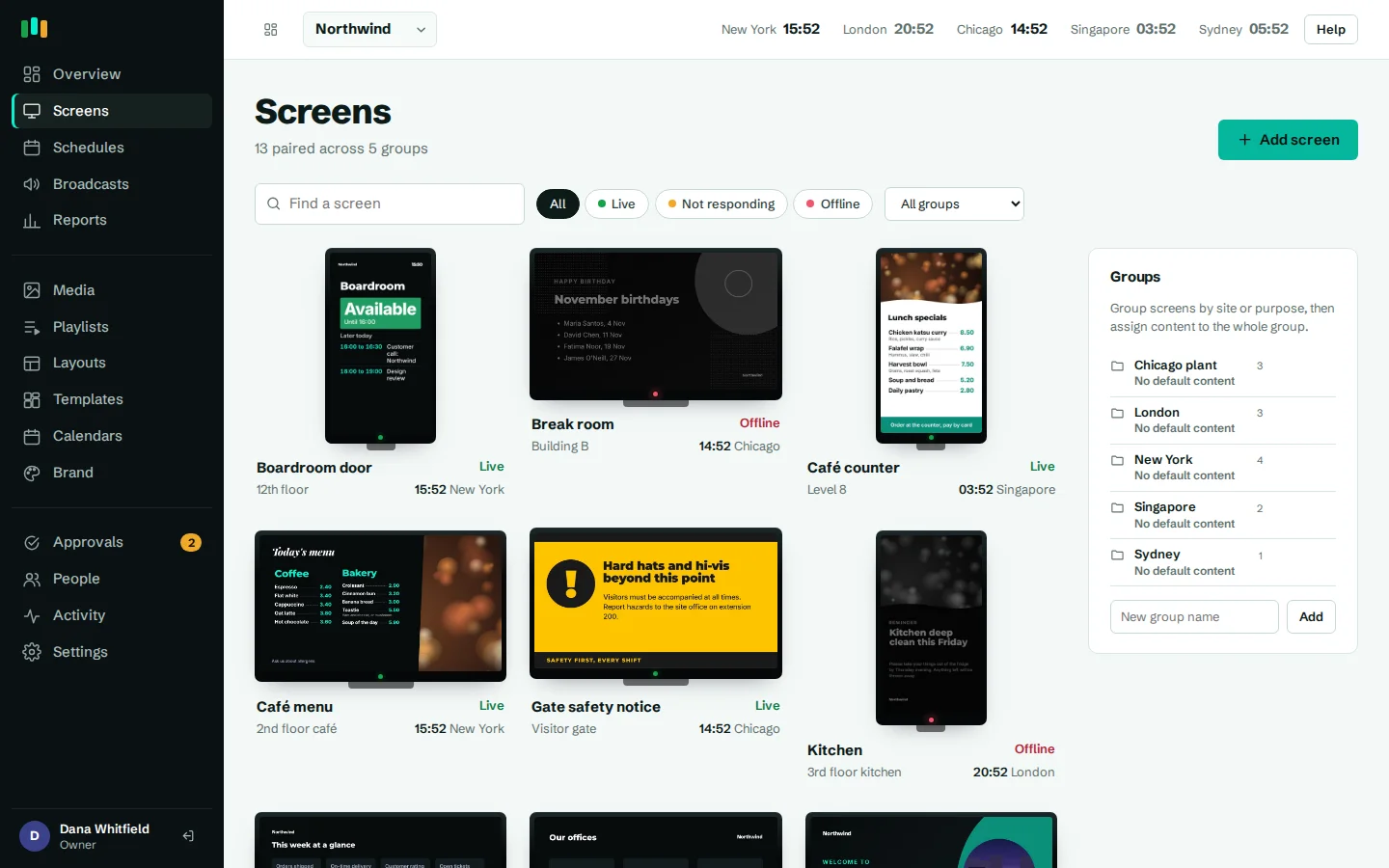
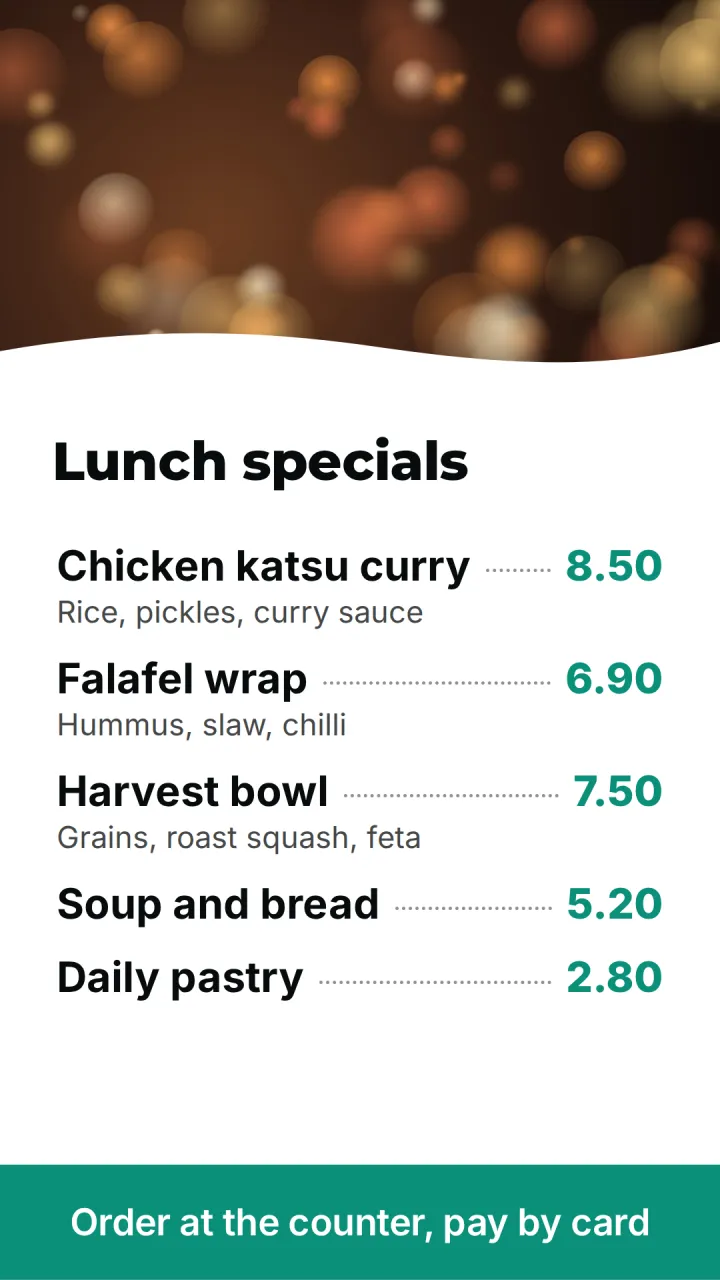
Screens can hang either way. Built-in templates come in landscape and portrait versions, such as a portrait room door panel, visitor welcome and menu board. Mount the TV on its side and use a portrait layout: the layout designer shows the real shape of the screen while you work. See layouts and templates for the portrait designs.
How pairing works
- Install the CompleteVantage app on the box, or open the player page in a browser.
- The screen shows a six-character pairing code.
- In the admin, add a screen and type the code. Name it, pick its group and time zone.
- The screen downloads its content, caches it and starts playing.
Each screen gets its own device token. The server stores only a hash of that token, and a paired device cannot be taken over by someone re-registering it. More on this on the security page.
Device-owner mode: when to use it
On Android boxes that support it, the app can be made the device owner. This is set once, over adb, on a box with no accounts on it. After that:
- App updates install silently, inside the install window you choose.
- "Reboot device" works from the admin.
- The app becomes the home screen and is pinned on screen, so passers-by cannot leave it.
- The box sets its own clock to the screen's time zone, so web dashboards show the right local time.
The trade-off: removing device-owner mode needs a factory reset. Without it, the app still plays, but Android shows an "Update?" prompt on the TV for each app update, and after a reboot some boxes need the app opened once unless it is set as the home app or the display's startup app.
Samsung, LG and other smart TVs
There is no native Samsung Tizen or LG webOS app. The browser player may work in some of these TVs' built-in browsers, depending on the engine and the model, so test it on the exact TV first. For a dependable result, plug an Android box or a small PC into the HDMI port and let the TV be a display. Contact us if you want a second opinion before buying.
Questions people ask
Is the app in the Amazon Appstore or Google Play?
Install it by sideloading the APK onto Android and Fire TV devices. After that, updates are delivered from the admin, with a pilot group first if you want one.
Do I need a separate player for every screen?
Yes. Each screen has its own player so it can follow its own schedule and local time. Plans are priced per screen: see pricing.
What happens when the internet drops?
Android players keep playing from their local cache, including after a cold start, and upload proof-of-play records when the connection returns. See offline playback.
Can I turn the TV off at night?
Yes, with display hours. With device admin rights the box sleeps and HDMI-CEC turns the TV off; without them the screen shows black while the box stays on.
Related features
- Screens and devicesPair a TV with a six-character code, see every screen live and fix problems without a site visit.
- Offline playbackScreens keep playing, and keep following their schedules, when the internet or the server is down.
- Monitoring and alertsKnow which screens are live, see what they show right now, and get told when one goes dark.
Put your first screen on in ten minutes
Try every feature free for 14 days. No card required. Pair a TV with a six-character code, pick a template, and it's live.