
Retail
Retail digital signage that runs the right promotion in every store
Plan a campaign once at head office, let each store add its own local offers, and know the screens actually showed them. CompleteVantage runs on low-cost Android boxes and keeps playing when the shop Wi-Fi drops.
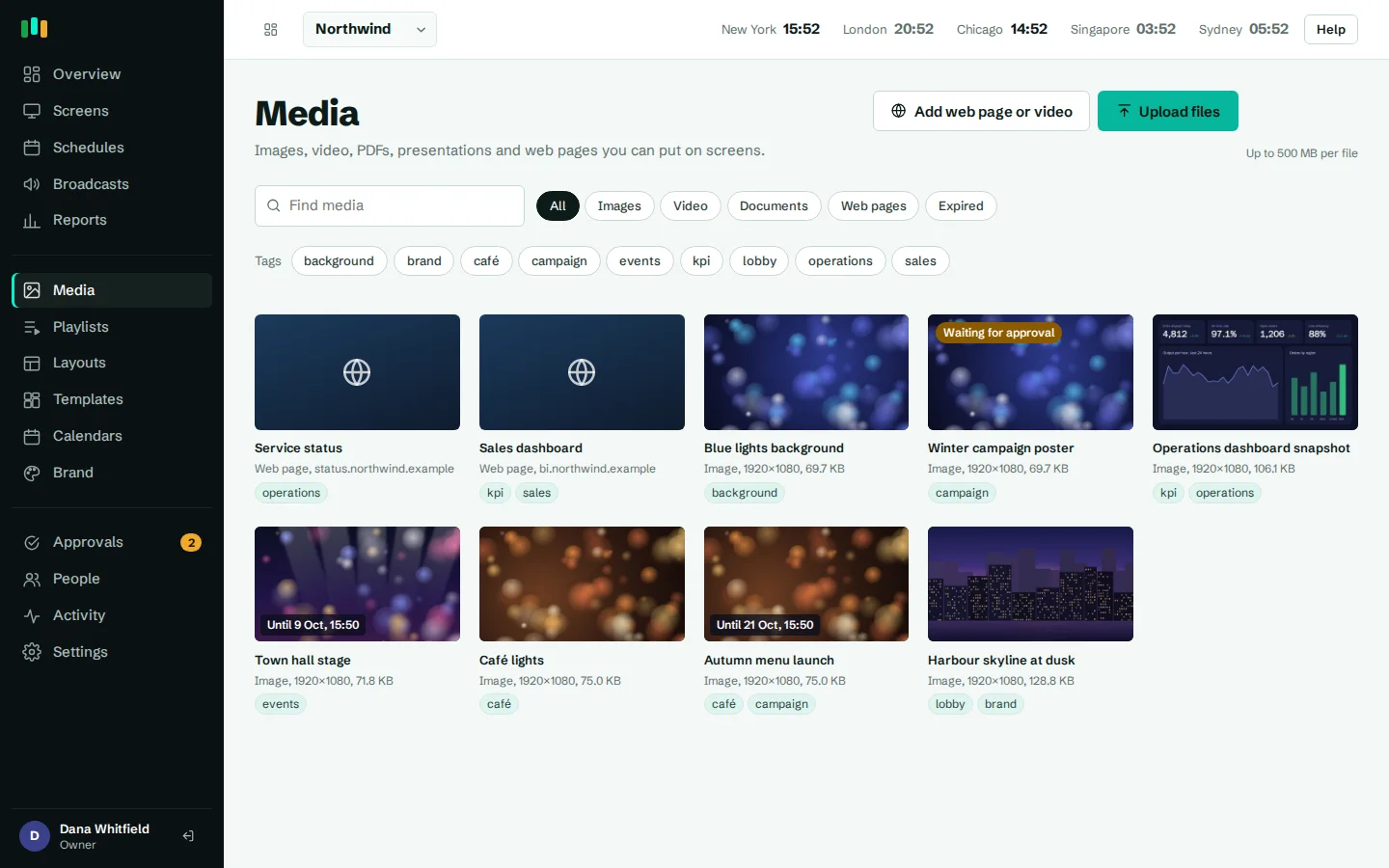
Promotions with an end date
Set "show from" and "show until" on any image, video or slot. The weekend sale disappears at closing on Sunday, even offline.
Per-store scheduling
Target all stores, a region, one store or one screen. Each screen follows its own local time.
Proof of play
Reports by content, screen or day, with a CSV of every play for supplier-funded campaigns.
Digital signage for retail stores, planned around the calendar
Retail runs on dates. A spring collection launches on a Thursday, a two-day flash sale starts at 8:00 on Saturday, a back-to-school campaign runs for three weeks and then must vanish. Printed posters are late, stay up too long or never reach the smaller stores.
In CompleteVantage, every media item and every playlist slot can carry "show from" and "show until" dates, typed in your organization's timezone. The screen enforces those windows itself, so an expired offer comes off within seconds even if the store is offline at that moment. The media library flags items as Starts, Until or Expired, and tags such as summer-sale or supplier-acme make a large campaign easy to find and swap.
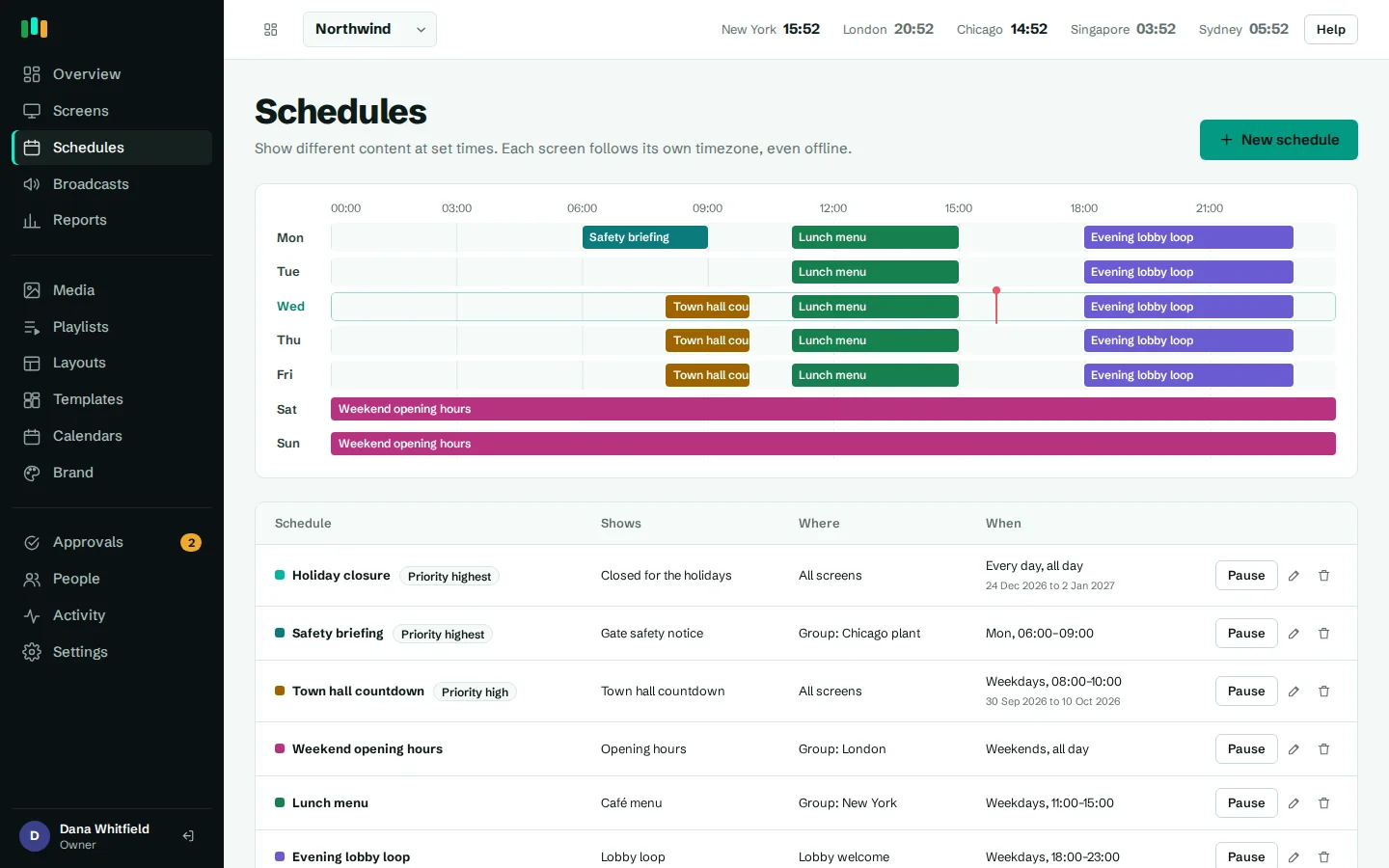
For bigger changes, schedules switch whole playlists or layouts by day, time and date range, with priority deciding which wins when two overlap.
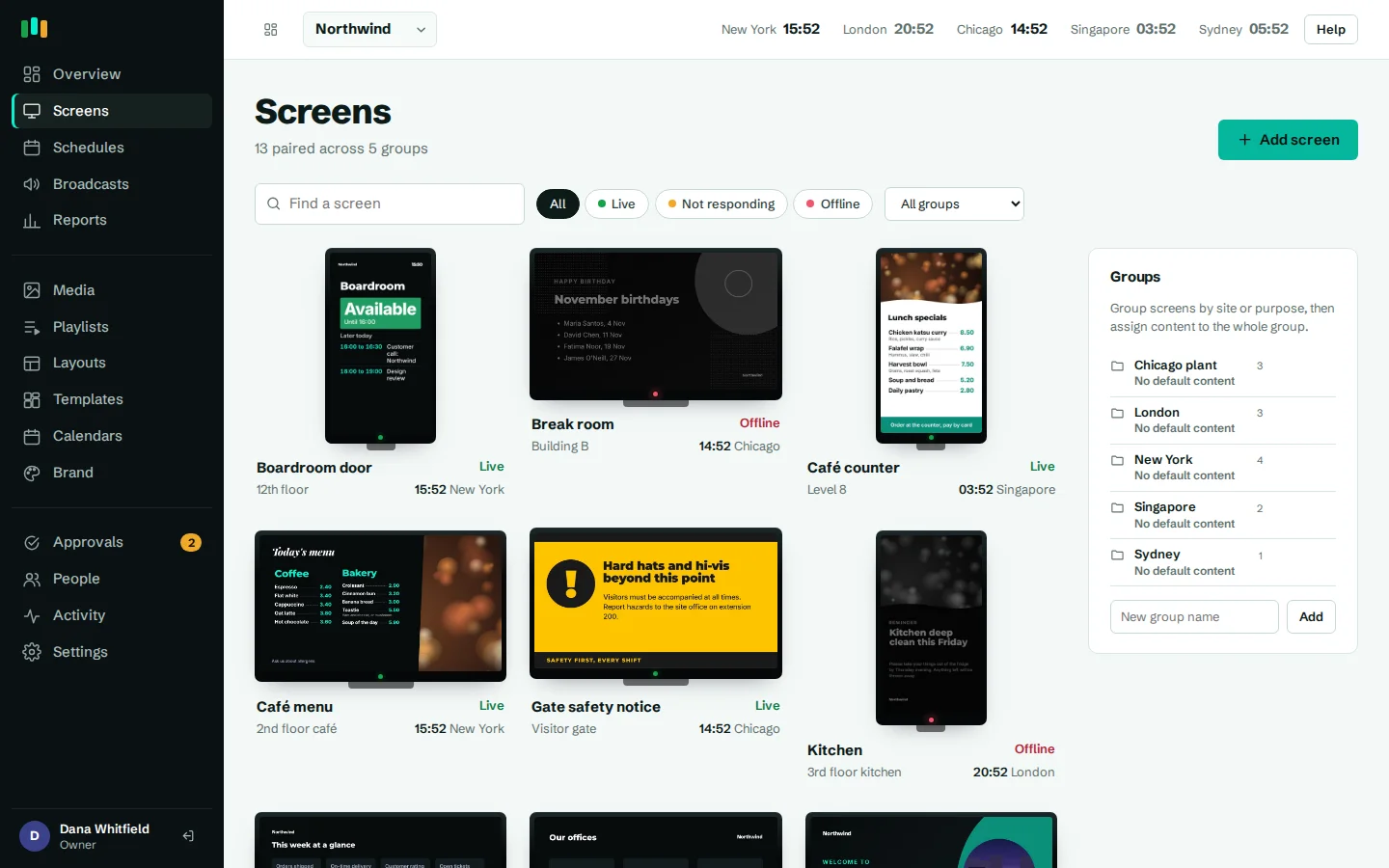
Head office sets the campaign, stores add the local touch
Organize screens in nested groups: country, region, store, then zone within the store (window, entrance, till, fitting rooms). Content set on a group is inherited by everything below it, so the national campaign reaches all 40 stores while the Leeds store adds its late-night shopping hours on top.
Schedules evaluate on each screen in its own timezone. A breakfast offer set for 7:00 to 10:00 runs at 7:00 in Denver and 7:00 in New York without separate schedules. Give store managers the editor role and turn on approvals, and their additions wait for a head office admin before they reach the screen.
- Nested groups: region, store, zone
- Inherited default content, overridden where needed
- Schedules by day, time, date range and priority
- Optional approval for changes by store editors
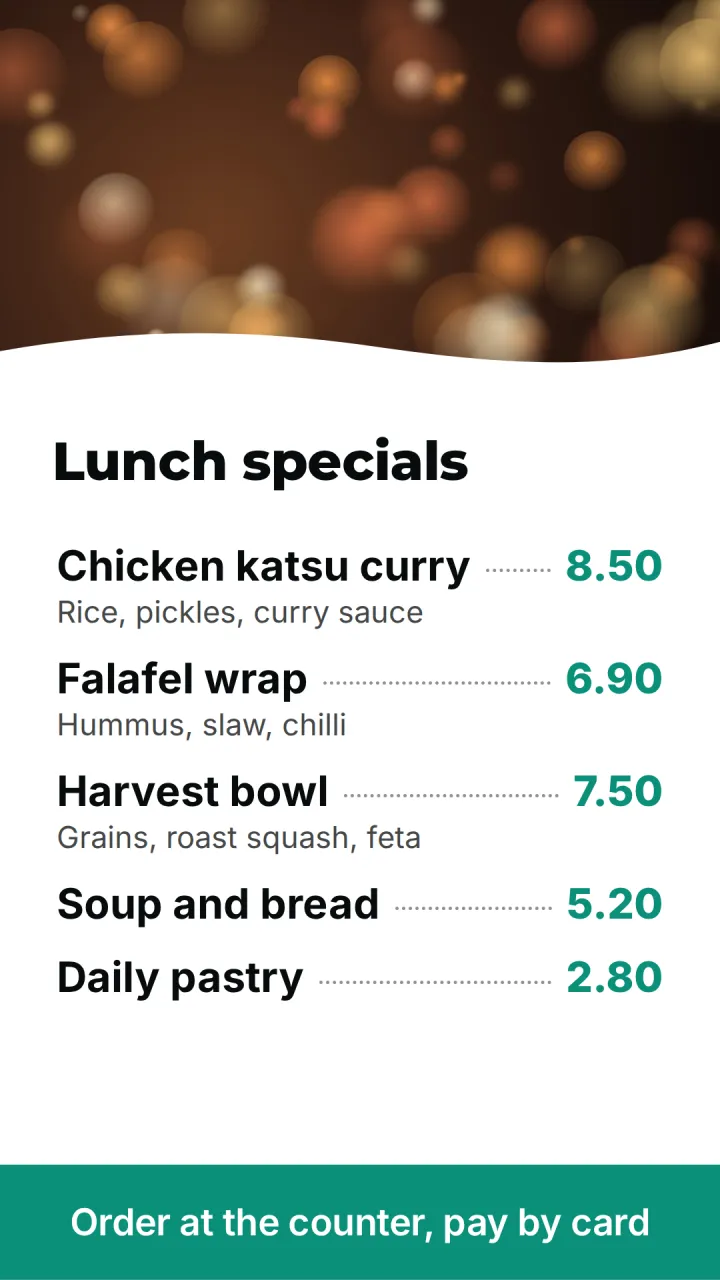
Price boards and product screens
The Price board template is a tall price list for counters and service desks: phone repairs, key cutting, alterations, deli counters. Items and prices are edited in the layout designer as simple lines, and the board picks up your brand colors and fonts.
For product walls, mix product video, lifestyle images and YouTube clips in one playlist with fade, slide or cut transitions. PDFs and PowerPoint files from the marketing team are converted to slides automatically, so a supplier's deck can go straight onto the screen.
Window screens and opening hours
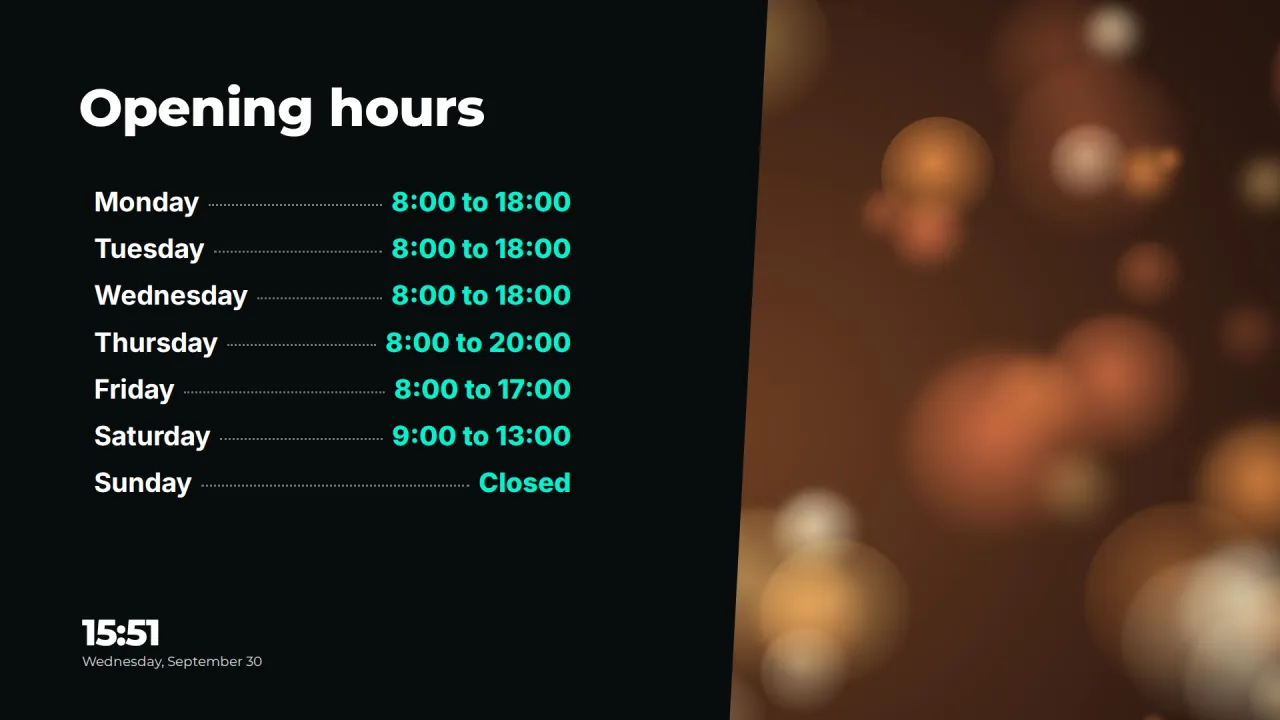
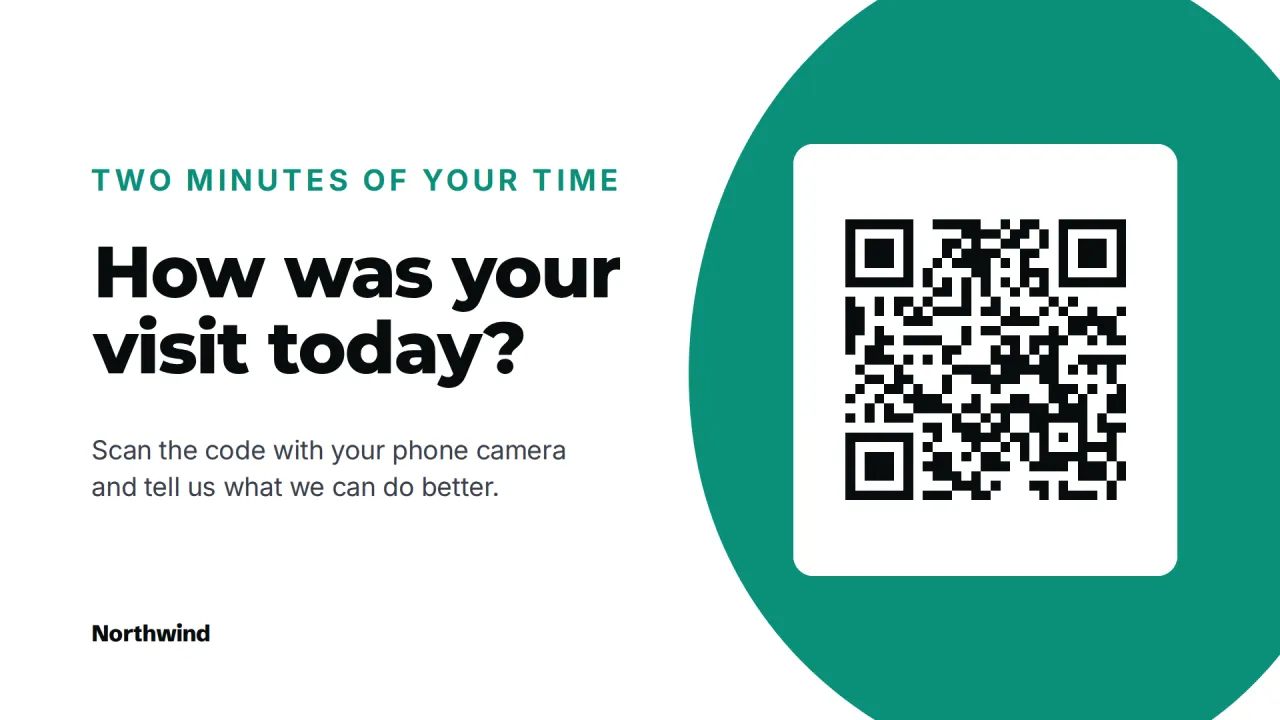
A window screen works for you after closing, when people walk past a dark shop. Schedule a different playlist outside trading hours: the Opening hours template with this week's times, a Scan me QR code to shop online, or next week's launch with a live countdown. Turn a screen to portrait and portrait layouts fit it properly.
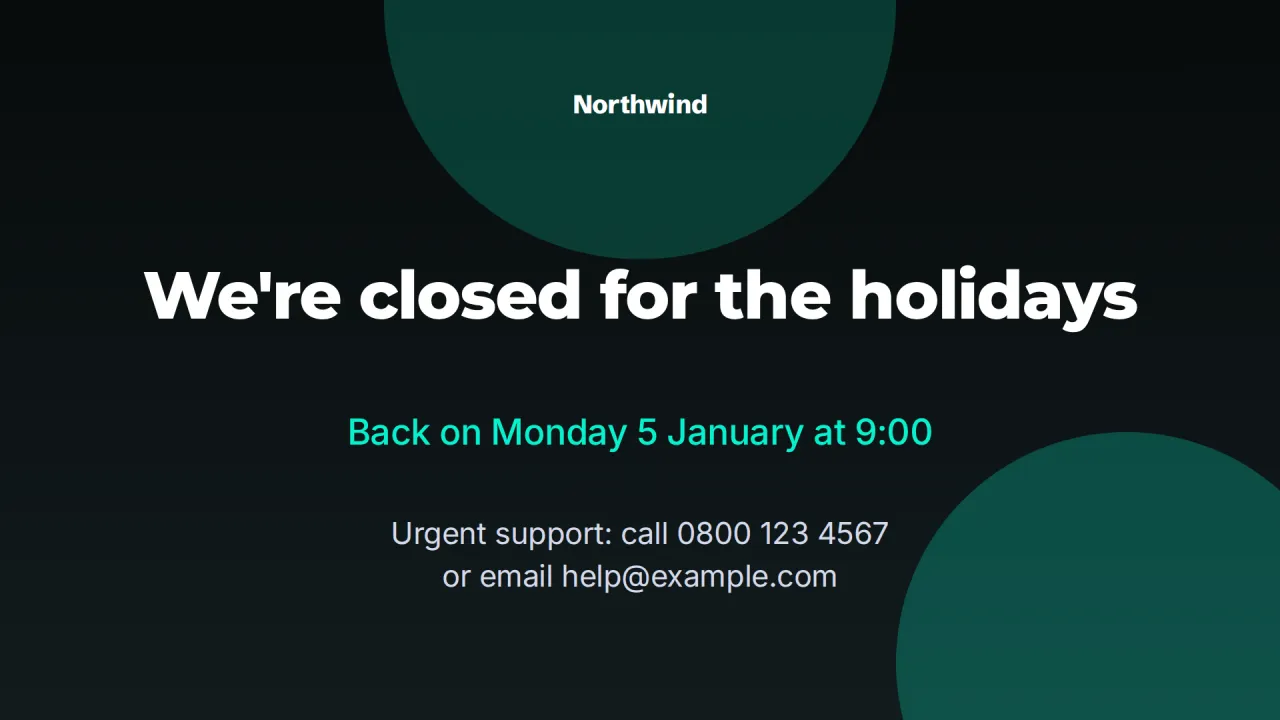
On public holidays, Closed for the holiday tells people when you reopen. Set its date range once and it takes over on the right days. If you would rather save power, display hours turn screens off at night and wake them before opening, without counting them as offline.
Built for stores without IT on site
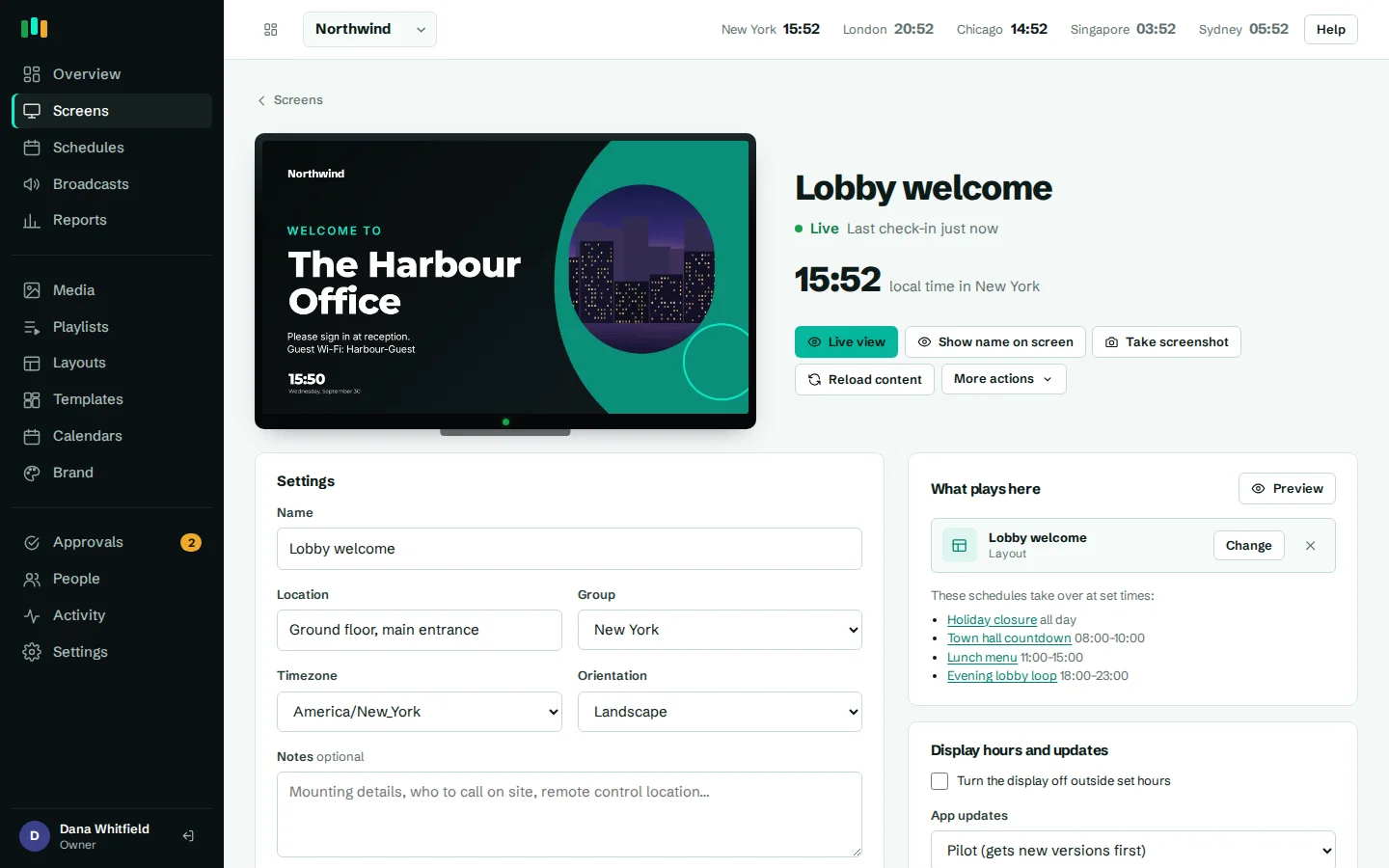
A store associate can set up a screen: plug in an Android TV, Google TV or Fire TV box, open the app and send head office the six-character pairing code shown on the TV. Everything else is done from the admin. See supported hardware.
Media is cached on the box, so a flaky store connection does not blank the screen, and plays recorded offline are uploaded later. From head office you see which screens are live, not responding or offline, take a screenshot to check what a store is really showing, and reload or restart remotely. Offline alerts go to email, Teams, Slack or a webhook. More in offline playback.
Show suppliers the campaign ran
When a brand pays for screen time, they will ask for evidence. Proof of play reports show plays by content, screen or day, and the CSV export lists every play with its screen and time. It is also a quick way to check the promotion actually reached the stores you intended.
Where the screens go
Shop window
Campaigns during the day, opening hours and a QR code after closing.
Entrance
This week's offers and new arrivals as people walk in.
Service counter
A portrait price board for repairs, alterations or counter items.
Till queue
Short promotions and loyalty sign-ups while people wait.
Product wall
Supplier video and product photos beside the shelf.
Templates to start from
Built-in designs that take your logo, colors and fonts. Pick one, change the words, and assign it to screens.
Features used most in retail
- SchedulingPlan what plays by day, time and place, and let each screen follow its own local clock.
- Content and playlistsUpload images, video, PDFs and slides, add web pages and streams, and play them in timed playlists.
- Proof of playSee what played, where and for how long, and export every play to CSV when someone asks.
- Screens and devicesPair a TV with a six-character code, see every screen live and fix problems without a site visit.
- Offline playbackScreens keep playing, and keep following their schedules, when the internet or the server is down.
- Team and approvalsGive each person the right access, and have an admin check editors' changes before they reach screens.
Questions people ask
Can different stores show different prices or offers?
Yes. Put each store (or region) in its own group and assign content or schedules there. Group content overrides what is inherited from above.
Does it connect to our POS or pricing system?
Not directly. Prices are edited in the menu and price list widget. If your pricing system publishes a web page, that page can be shown on a screen.
What happens if a store's internet goes down?
Screens keep playing cached images, videos and slides, and schedules and date windows still apply on local time. YouTube, streams and live web pages need a connection.
How is pricing worked out?
See pricing for current plans.
Can store staff break the screen setup?
Give them the editor or viewer role. Editors work on content but cannot pair or delete screens or change settings, and with approvals on, an admin checks their changes first.
Related features
- SchedulingPlan what plays by day, time and place, and let each screen follow its own local clock.
- Content and playlistsUpload images, video, PDFs and slides, add web pages and streams, and play them in timed playlists.
- Proof of playSee what played, where and for how long, and export every play to CSV when someone asks.
- Offline playbackScreens keep playing, and keep following their schedules, when the internet or the server is down.
Put your first screen on in ten minutes
Try every feature free for 14 days. No card required. Pair a TV with a six-character code, pick a template, and it's live.