
Manufacturing
Manufacturing digital signage that keeps the floor informed
Put production numbers, safety messages and shift information where operators can see them, and keep them running when the plant network is unreliable. CompleteVantage manages every plant's screens from one admin.
Built for patchy networks
Media and schedules live on each screen, so safety and shift content keeps playing through network outages.
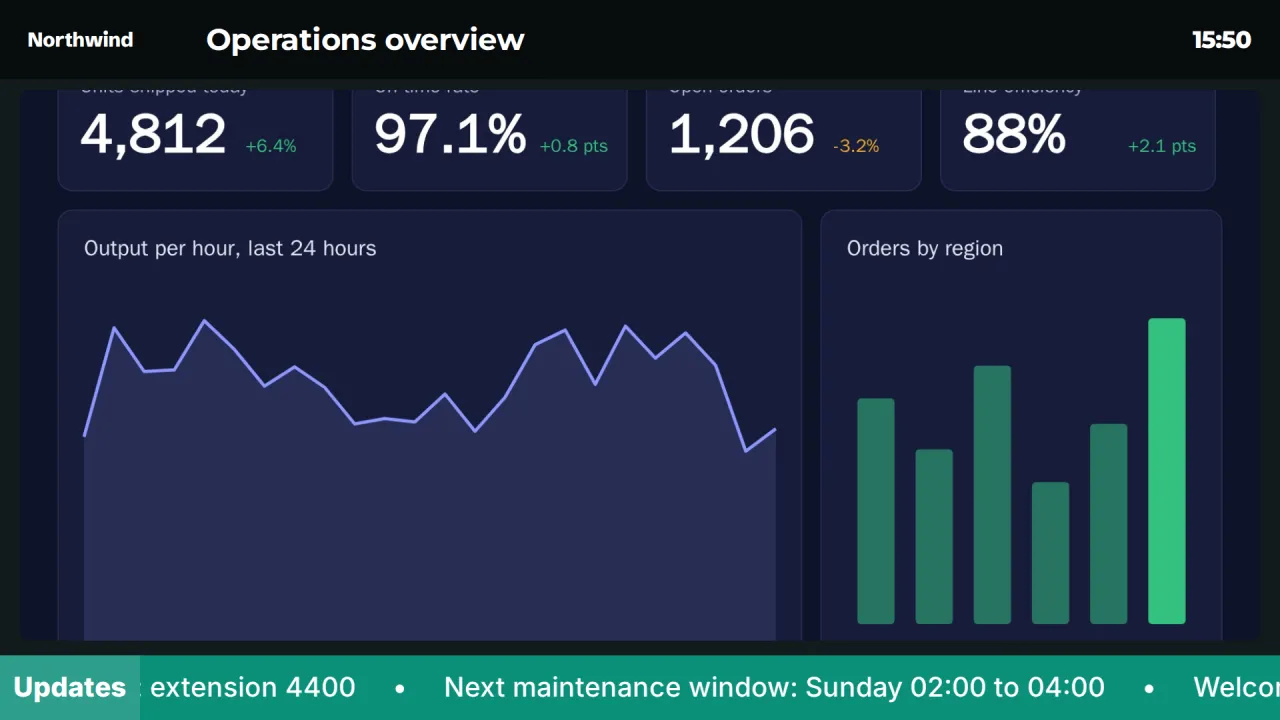
Production dashboards on the line
Show your existing web dashboards full screen or in a branded frame with the time.
Safety that stands out
High-visibility safety templates that keep their yellow and red whatever your brand colors are.
Plant-wide alerts
Take over every screen, one hall or one line in seconds.
Digital signage for manufacturing plants
A plant has very different audiences within a few hundred meters: operators on the line who glance up between cycles, maintenance crews moving between halls, shift leads in the office, visitors and drivers at the gate, and everyone in the break room at 10:00. Each needs different content, and very little of it is marketing.
CompleteVantage lets you organize screens as Plant / Hall / Line, set default content per group, and schedule changes by shift. Operations, EHS and HR can each look after their own content, and IT keeps control of the devices.
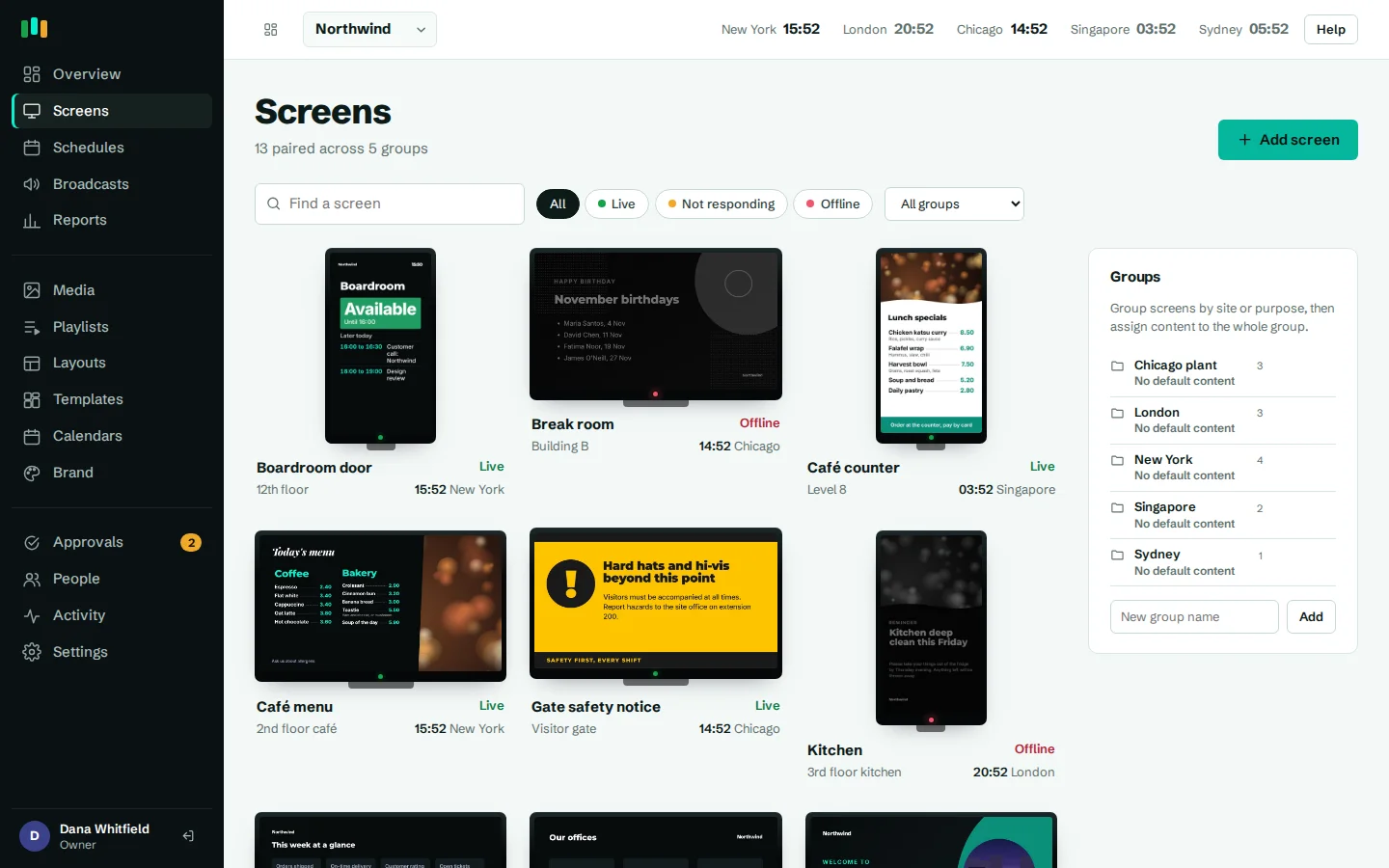
Production and KPI dashboards on the plant floor
Most plants already have numbers somewhere: an MES screen, an OEE report, a BI dashboard. Add the page to CompleteVantage as a web page. If it needs a key, pass it as a URL parameter or an HTTP header; keys are masked in the admin and only sent to screens. On Android boxes, dashboards open in a native web view, so pages that refuse to be framed still display, and the page reloads on an interval you choose.
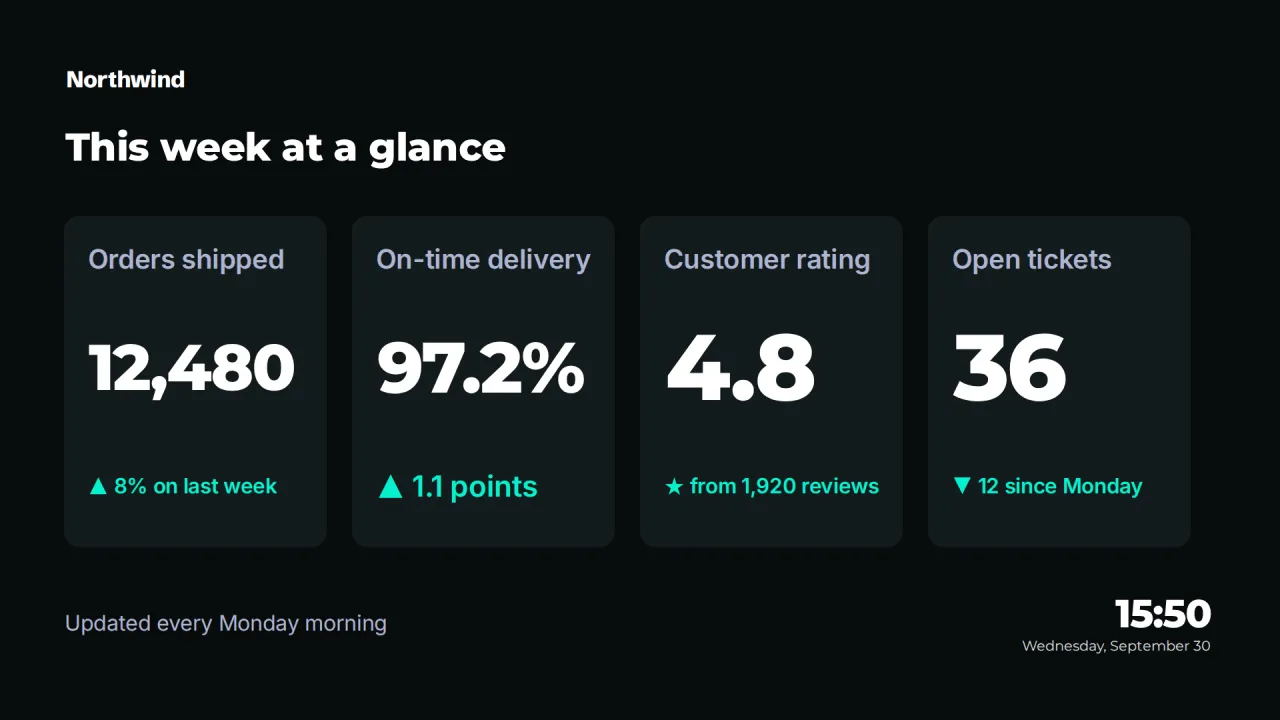
Run it full screen above a line, or inside the Dashboard frame template with the plant clock and a news ticker. For numbers updated once a shift or once a week, such as days since last lost-time incident, the Key numbers template shows four big figures you type in. More in dashboards.
- Web dashboards with access keys or request headers
- Reload interval per item
- Four-number KPI board for manual figures
- Dashboards that need an interactive login on screen are not supported
Safety notices and evacuation information
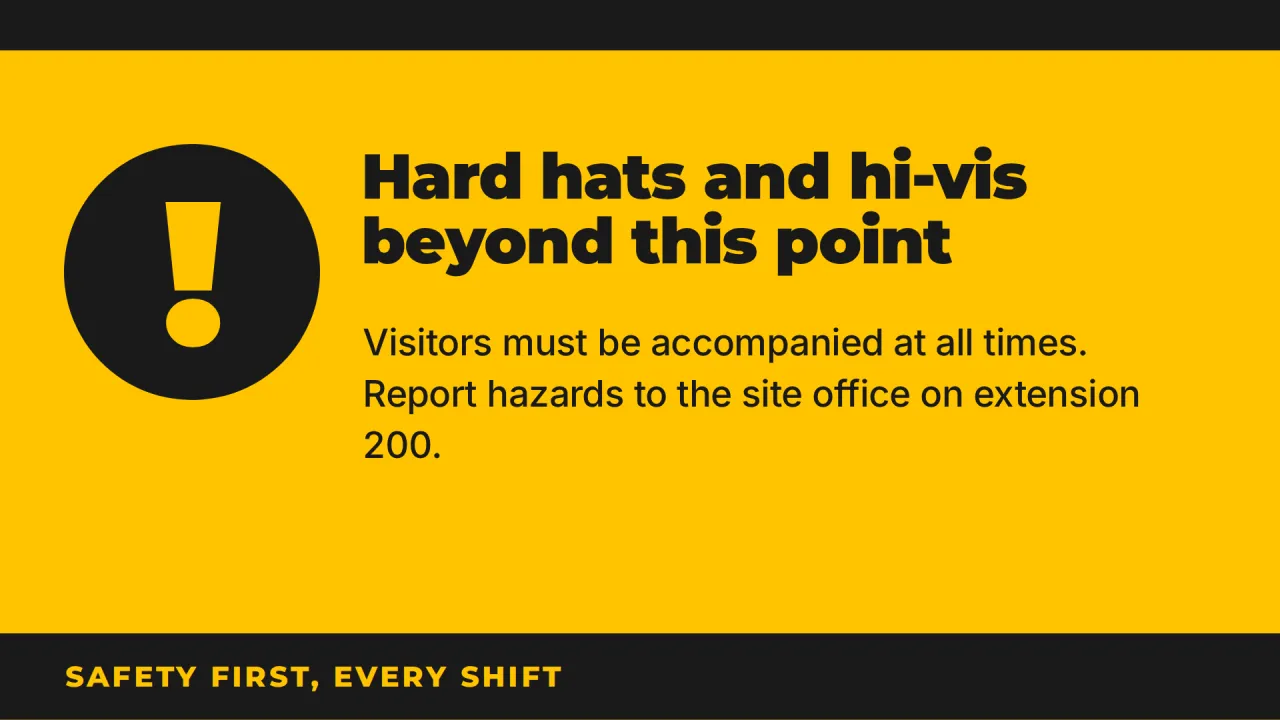
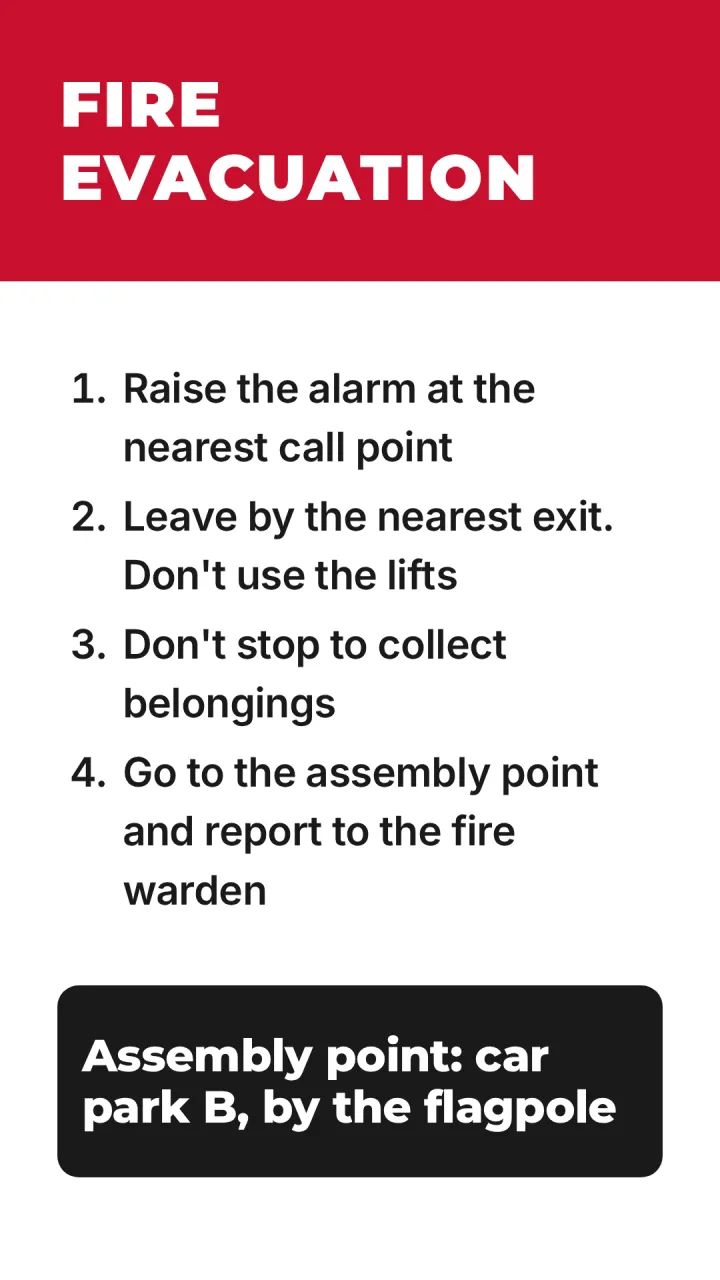
Safety content has to be readable from a distance and not blend in. The Safety notice template uses safety yellow and keeps its colors whatever your brand kit says. Use it for the PPE requirement in a hall, a forklift route change, or this month's near-miss lesson. The portrait In an emergency template gives evacuation steps and the assembly point in high-contrast red and white, suitable by exits and in corridors.
Set a "show until" date on temporary notices, like a crane lift in bay 4 this week, and they disappear when the work is done.
Shift schedules and shift-based content
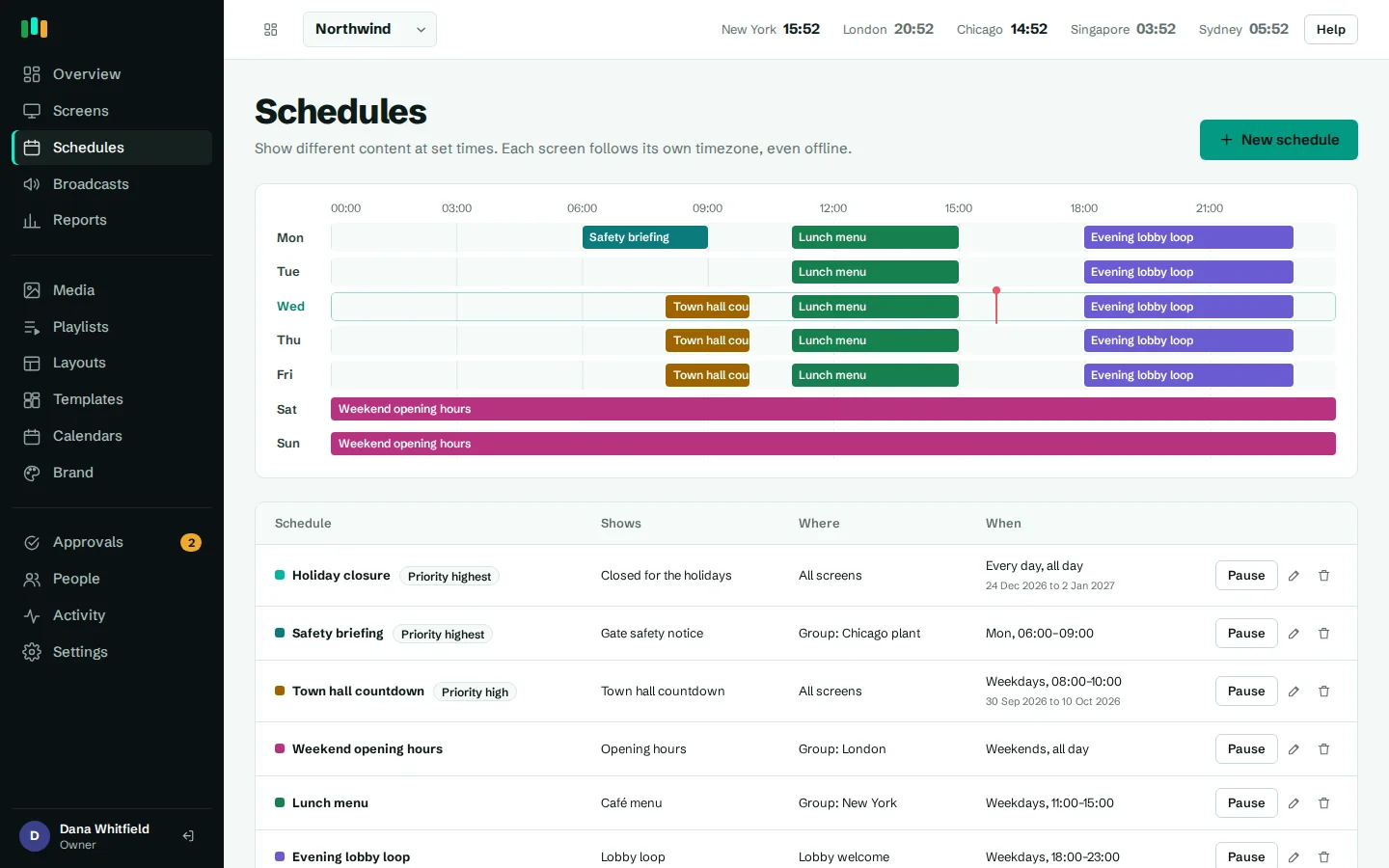
Content can follow the shift pattern. With scheduling, the break room screen shows the early shift's briefing from 6:00 to 14:00, the late shift's from 14:00 to 22:00, and the night shift's through to 6:00. Overnight schedules are a single entry. Schedules run on the screen in its local time zone, so a group with plants in Ohio and Poland uses the same rules in both.
Shift rosters, overtime sign-ups and canteen menus can be uploaded as PDFs or images, with a QR code linking to the full details.
Emergency broadcasts to the whole site
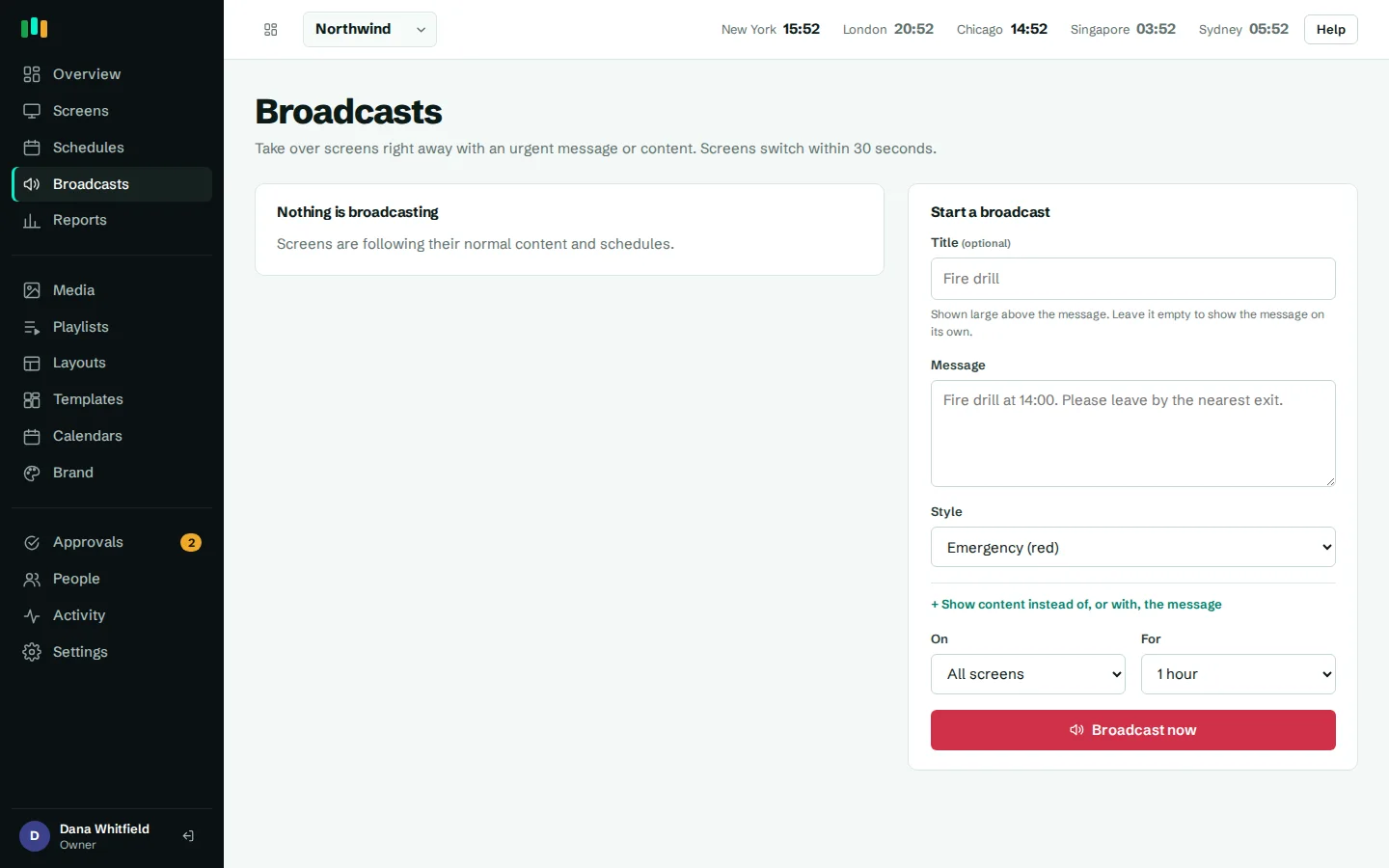
When there is a chemical spill in Hall B, a severe weather warning, or a gas leak drill, an emergency broadcast takes over the screens you pick: every screen in the company, one plant, one hall or one screen. Choose a red emergency or amber warning style, and run it for a set time or until someone ends it. Broadcasts are part of the content each screen already holds, so once a screen has received one it keeps showing it even if the network then drops.
Broadcasts are started by a person in the admin. They are not linked to alarm panels or plant control systems.
Offline resilience and remote management
Plant networks are often segmented, congested or patchy. The Android app caches the player and every image, video and slide on the box, and a cold start works with the server unreachable. Schedules and content date windows are enforced on the screen, and proof-of-play records are kept and uploaded later. Live dashboards and streams do need a connection. See offline playback.
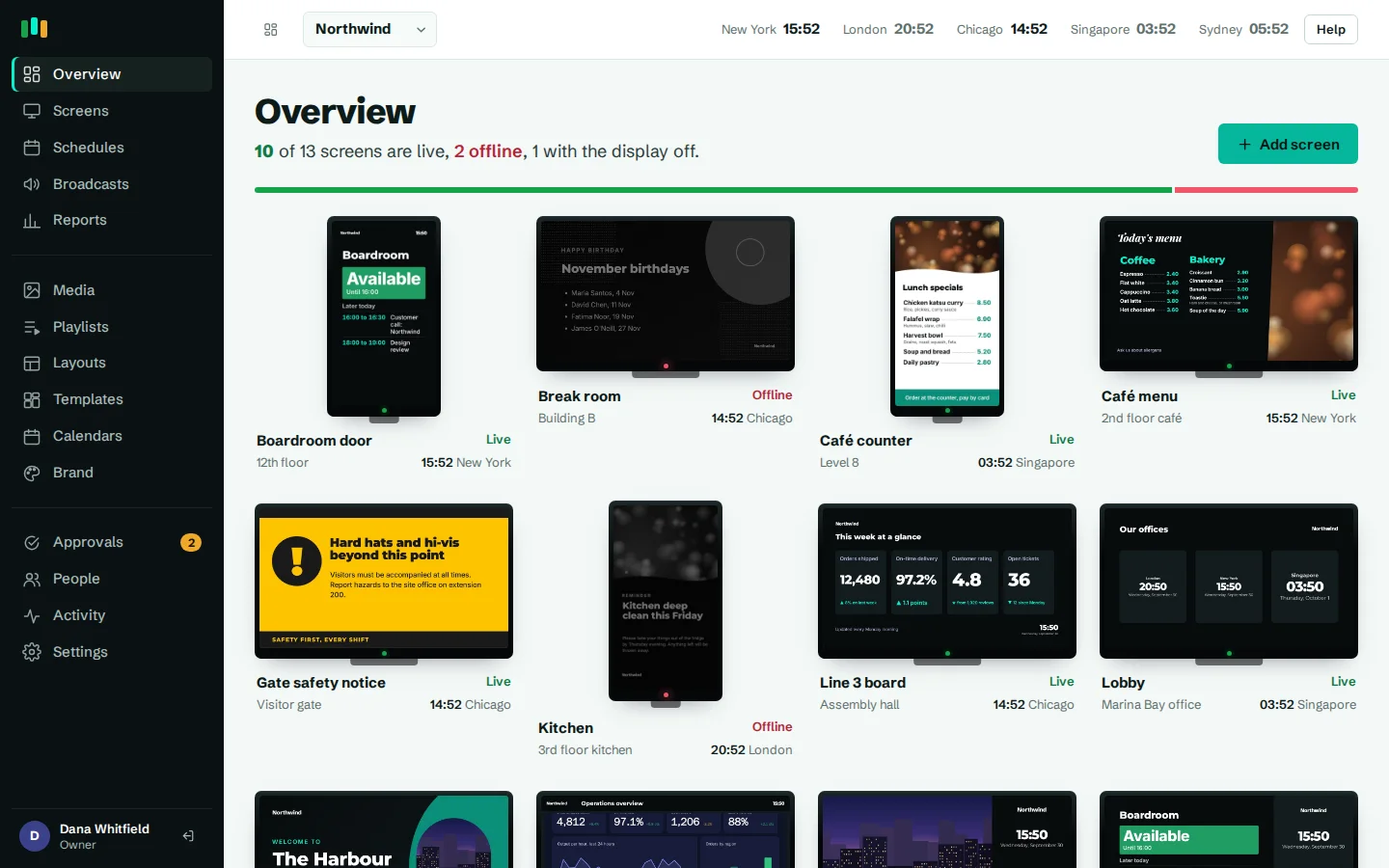
From the office, IT sees which screens are live, not responding or offline, receives alerts by email, Teams, Slack or webhook, and can take a screenshot, reload, restart the app or reboot the box. App updates install in a window you set, such as 02:00 to 05:00, starting with a pilot ring. See hardware for suitable boxes.
Where the screens go
Production lines
Live output and quality dashboards where operators can see them.
Plant entrances
PPE rules, site safety notices and visitor information.
Break rooms and canteens
Shift briefings, schedules, menus and team recognition.
Exits and corridors
Evacuation steps and the assembly point, in portrait.
Shift office
KPI boards and handover information for shift leads.
Templates to start from
Built-in designs that take your logo, colors and fonts. Pick one, change the words, and assign it to screens.
Features used most in manufacturing
- DashboardsShow live web dashboards and KPI reports on TVs, with access keys kept out of sight.
- Emergency broadcastsTake over every screen, a building or one TV with an urgent message in about 30 seconds.
- Offline playbackScreens keep playing, and keep following their schedules, when the internet or the server is down.
- SchedulingPlan what plays by day, time and place, and let each screen follow its own local clock.
- Monitoring and alertsKnow which screens are live, see what they show right now, and get told when one goes dark.
- Screens and devicesPair a TV with a six-character code, see every screen live and fix problems without a site visit.
Questions people ask
Will screens keep working if the plant network goes down?
Yes for cached content: images, video, slides, templates, schedules and broadcasts already received. Live web dashboards, YouTube and streams need the network.
Can we show live data from our MES or SCADA?
If the system has a web page that can be opened with a URL key or a request header, it can be shown on a screen. There is no direct connector to MES or SCADA systems.
Can a plant alarm trigger the screens automatically?
Not today. A person starts a broadcast in the admin, and it reaches the chosen screens straight away.
Can each plant manage its own screens?
Yes. Group screens per plant, give local staff the editor role, and turn on approvals if head office should check changes first.
Related features
- DashboardsShow live web dashboards and KPI reports on TVs, with access keys kept out of sight.
- Emergency broadcastsTake over every screen, a building or one TV with an urgent message in about 30 seconds.
- Offline playbackScreens keep playing, and keep following their schedules, when the internet or the server is down.
- Monitoring and alertsKnow which screens are live, see what they show right now, and get told when one goes dark.
Put your first screen on in ten minutes
Try every feature free for 14 days. No card required. Pair a TV with a six-character code, pick a template, and it's live.