
Your brand has two fonts: one for headings and one for body text. In this article you'll choose them.
You'll need: the admin or owner role.
Choose your fonts
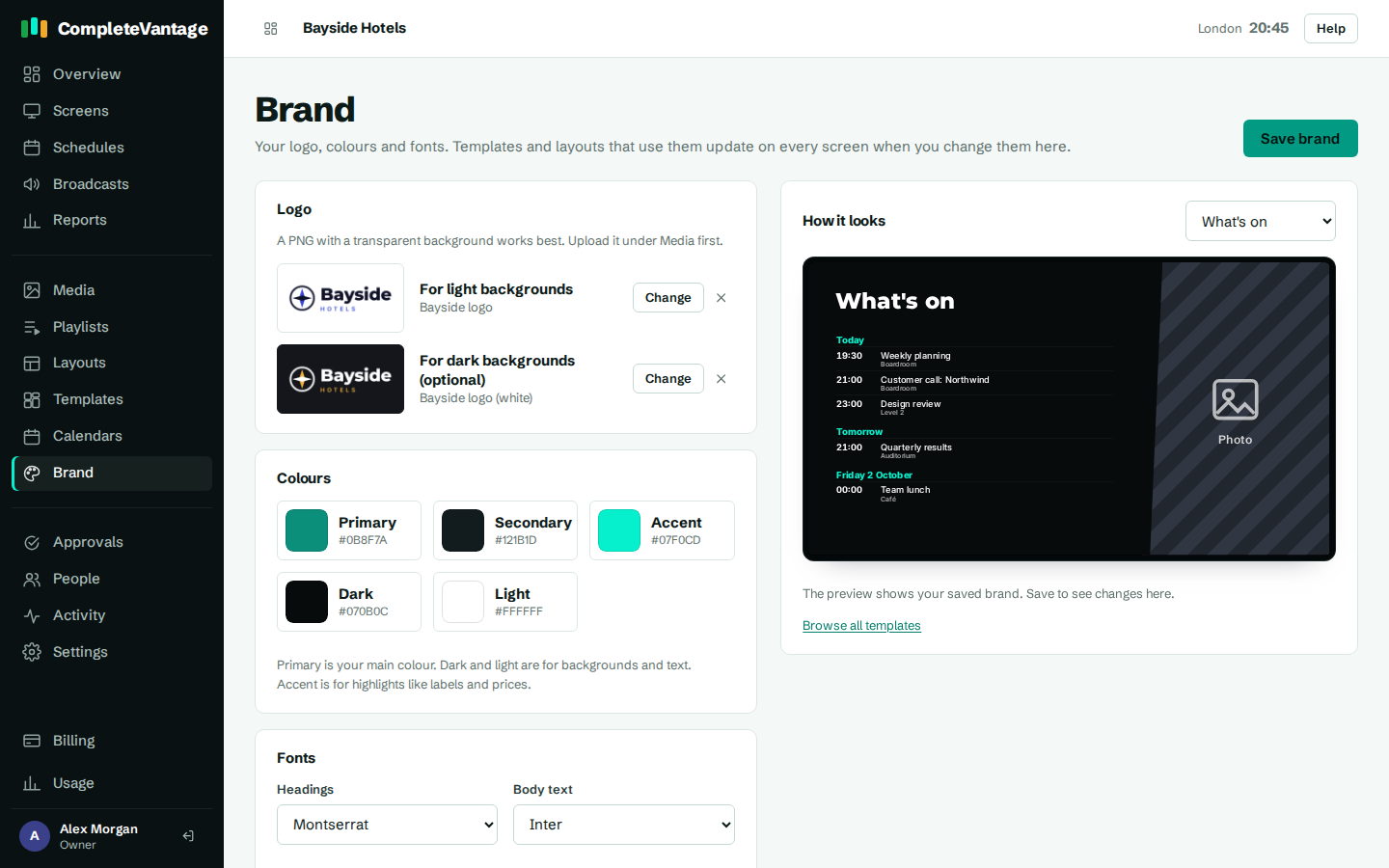
- Go to Brand.
- Under Fonts, choose a font in Headings.
- Choose a font in Body text.
- Check the sample underneath. It shows a heading and a line of body text in your choices.
- Select Save brand.
Available fonts
| Font | Style |
|---|---|
| Schibsted Grotesk | Clean, modern sans serif |
| Inter | Very readable sans serif, great for body text |
| Montserrat | Geometric sans serif, strong headings |
| Poppins | Rounded, friendly sans serif |
| Oswald | Tall and narrow, fits long headings |
| Bebas Neue | Narrow, all capitals, bold headlines |
| Playfair Display | Elegant serif for headings |
| Lora | Warm serif, readable at length |
| DM Serif Display | High-contrast serif for headings |
These fonts are built into CompleteVantage and stored on every screen, so they show correctly even when a screen is offline. You can't upload your own font files. Pick the closest match to your brand.
How fonts follow your brand
In the layout designer, font menus start with Brand heading font and Brand body font, followed by every font by name.
- Text set to a Brand font changes when you change your brand.
- Text set to a named font, for example Oswald, stays that font.