
A broadcast ends on its own when its time is up. You can also end it early, and you must end one yourself if you chose Until I end it.
You need: the editor, admin or owner role.
End a broadcast
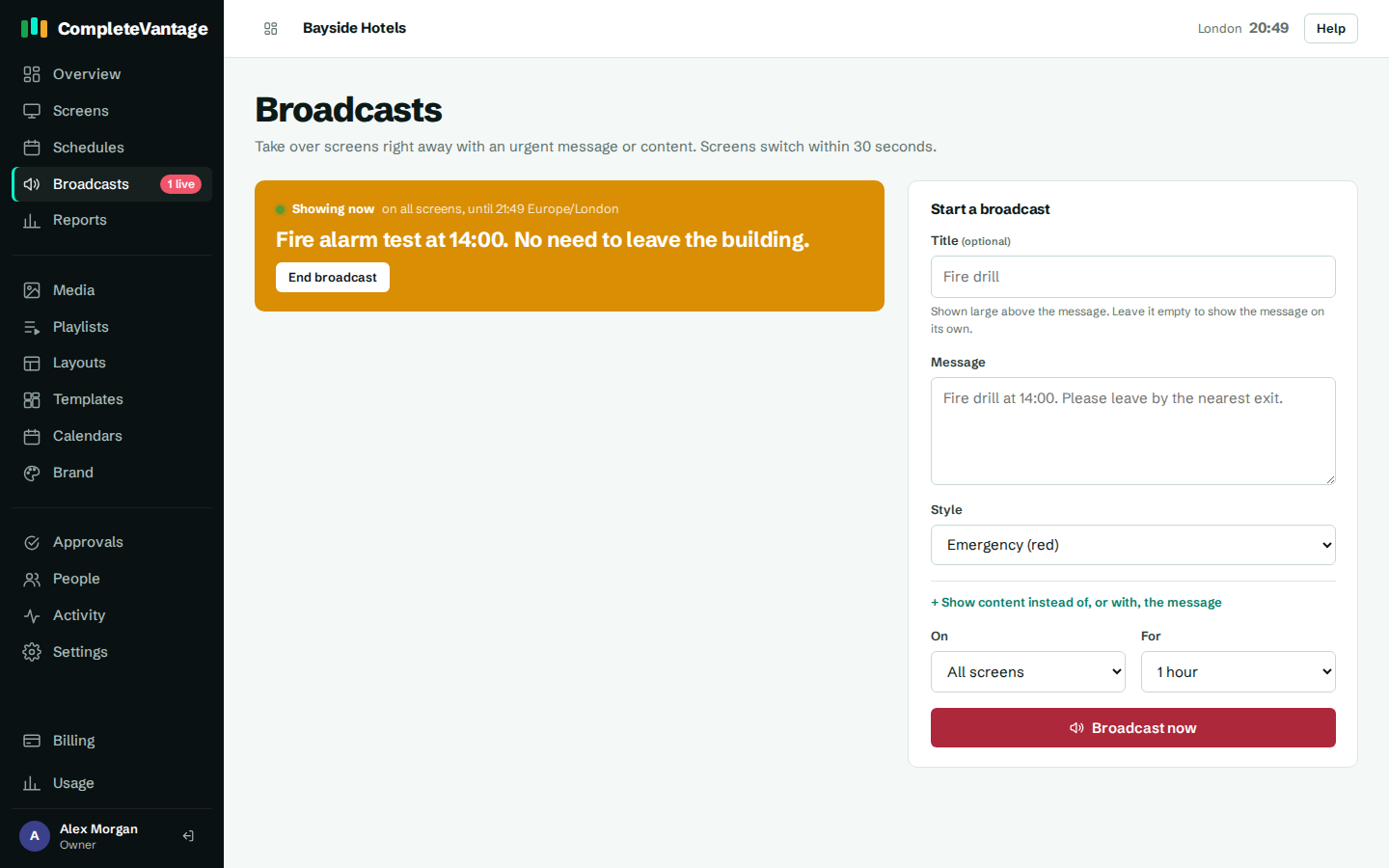
- Go to Broadcasts. You can also select the red banner at the top of any page: "A broadcast is showing on screens now. Manage broadcasts".
- Find the broadcast under Showing now. It says where it's showing and until when.
- Select End broadcast.
- Select End broadcast again to confirm.
Screens go back to normal within a minute. The broadcast moves to Earlier broadcasts, with who sent it and when.
Screens that were offline
A screen that was offline when you ended the broadcast keeps showing it until it reconnects and hears it has ended. Broadcasts with a set time end on time everywhere, even on offline screens. For a message that must disappear at a set moment, choose a time under For instead of Until I end it.