
Every screen shows something. You choose it in the What plays here panel on the screen's page. This article shows you how to set it, clear it and check the result.
Before you start: you need the editor role or above.
Set what plays
- Go to Screens and select the screen.
- In What plays here, select Choose (or Change if something is already set).
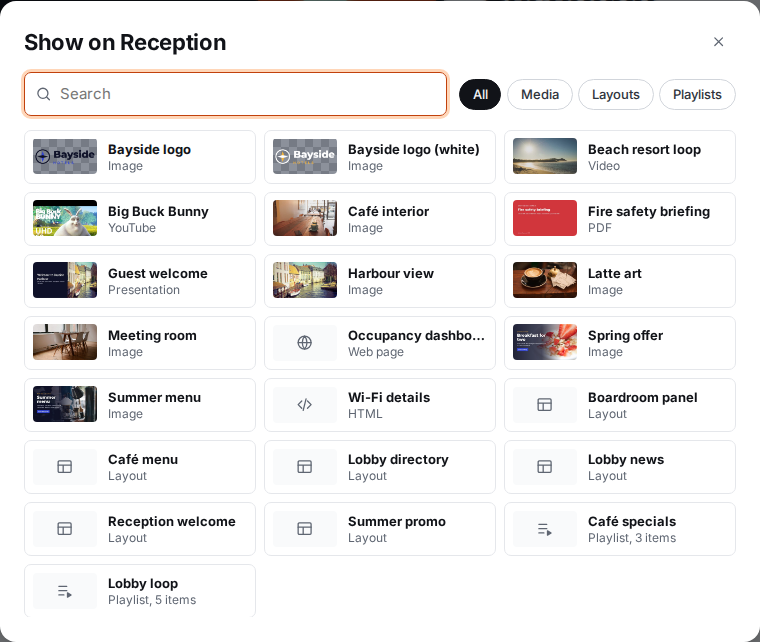
- In the dialog, pick what to show. Use the Media, Layouts and Playlists tabs or the Search box to find it.
- Select the item.
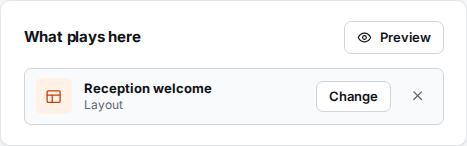
It's saved straight away. You'll see Saved. The screen switches within a minute.
Follow the group again
If a screen has its own content, it ignores its group's. To go back to the group's content, select the × button in What plays here. You'll see Cleared. The screen follows its group again.
When a screen has no content of its own, the panel says Follow group "London" (with its group's name) and underneath which content that group plays. A screen with no group and no content shows Nothing: shows a clock, and the TV shows the time.
Check what the screen shows
Select Preview in the What plays here panel. A new tab shows exactly what the screen shows right now, with its schedules and any broadcast, in its own timezone.
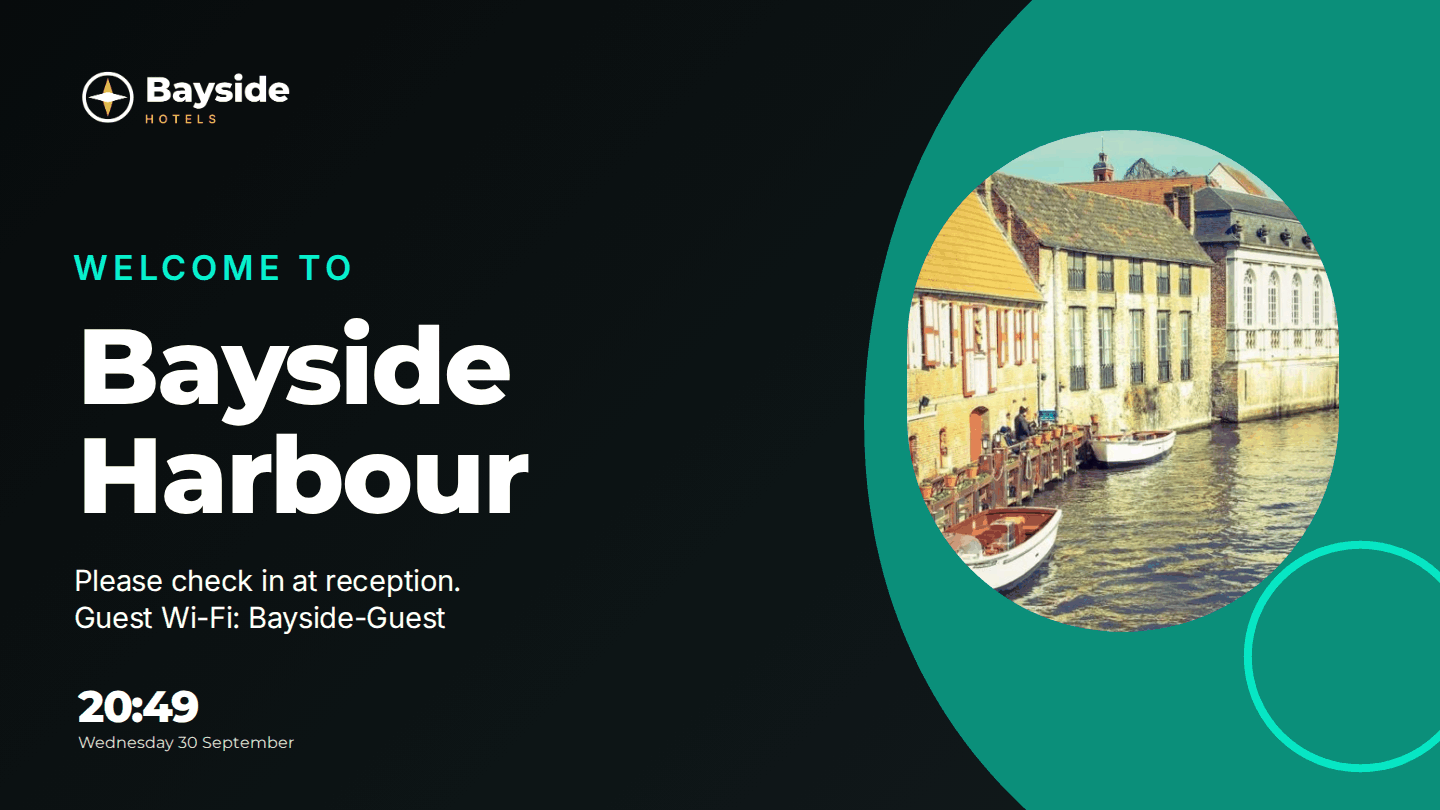
You can also check the screen's card on Screens or Overview. It shows the name of what's playing, or its latest screenshot.
Schedules can take over
If any schedules apply to the screen, they're listed under These schedules take over at set times, with their times. During those times the schedule wins over what you set here. A broadcast wins over everything. See What plays when.
Showing the same thing on many screens
Setting content screen by screen gets slow. Put the screens in a group and set the group's Default content instead. See Groups.
Troubleshooting
The screen still shows the old content after a few minutes. Check the screen's status is Live. If it's offline, it switches when it reconnects. If it's live, a schedule or broadcast may be taking over. Select Reload content on the screen's page to make it start again.
The screen shows a clock. Nothing is assigned to it or its group, or the content was deleted or has expired.