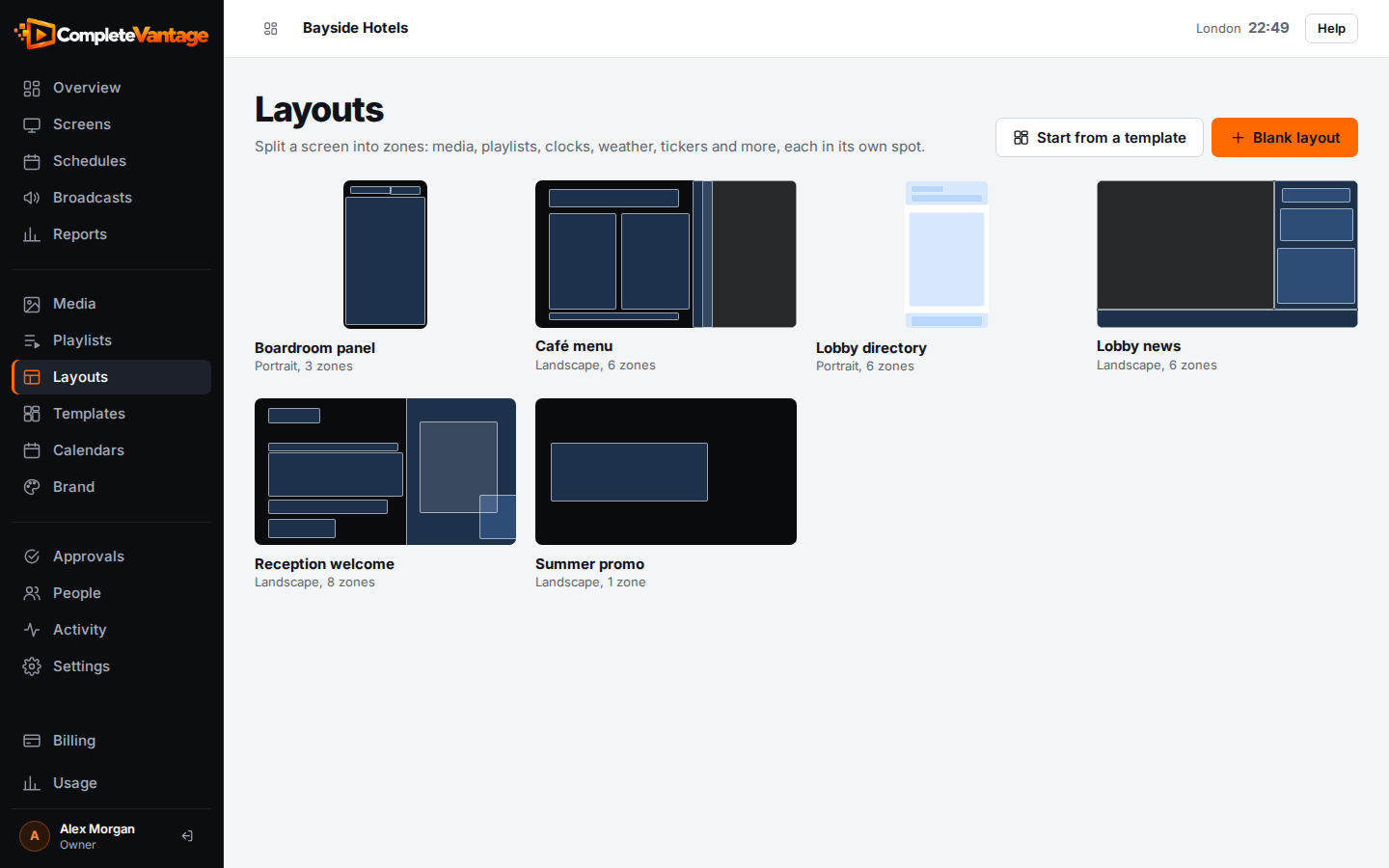
When no template fits, start from a blank layout. You pick the orientation and a starting arrangement of zones, then fill each zone in the designer.
You'll need: the editor role or higher.
Create the layout
- In the menu, choose Layouts.
- Select Blank layout.
- In Name, type a name, such as "Lobby news".
- In Orientation, choose Landscape (16:9) for a normal TV, or Portrait (9:16) for a screen mounted on its side.
- Under Start from, choose an arrangement.
- Select Create layout. The designer opens.
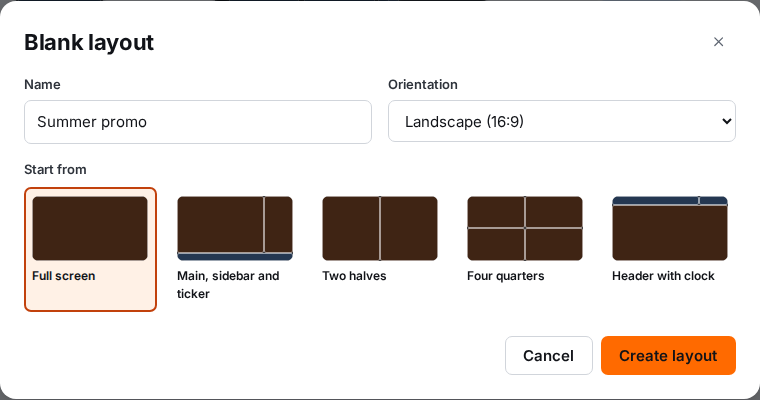
Starting arrangements
| Arrangement | Zones you get |
|---|---|
| Full screen | One zone, Main, covering the whole screen |
| Main, sidebar and ticker | Main (left three quarters), Sidebar (right) and a Ticker widget along the bottom |
| Two halves | Left and Right |
| Four quarters | Top left, Top right, Bottom left and Bottom right |
| Header with clock | A Title text widget and a Clock widget along the top, and Main below |
In portrait, the arrangement is turned so columns become rows. For example, Two halves becomes a top half and a bottom half.
New zones start empty. The layout background starts dark navy. You can change all of it in the designer.
Find your layouts
Every layout you make, from a template or blank, is listed under Layouts. Each card shows a small map of its zones, its orientation and how many zones it has. Select a card to open it in the designer.